140w 9-port Smart Gan Desktop Charger
black / UK
$181.05
Skip to product information


140w 9-port Smart Gan Desktop Charger
$181.05
SPECIFICATIONS
Applied Fast Charge Protocols: USB PD
Brand Name: NONE
Certification: RoHS, CE
Choice: Yes
GaN: Yes
High-concerned chemical: None
Is it with charging cable: Yes
Max. Output Power: 100W
Origin: Mainland China
Output Interface: USB, Type C
Type: Quick Charger
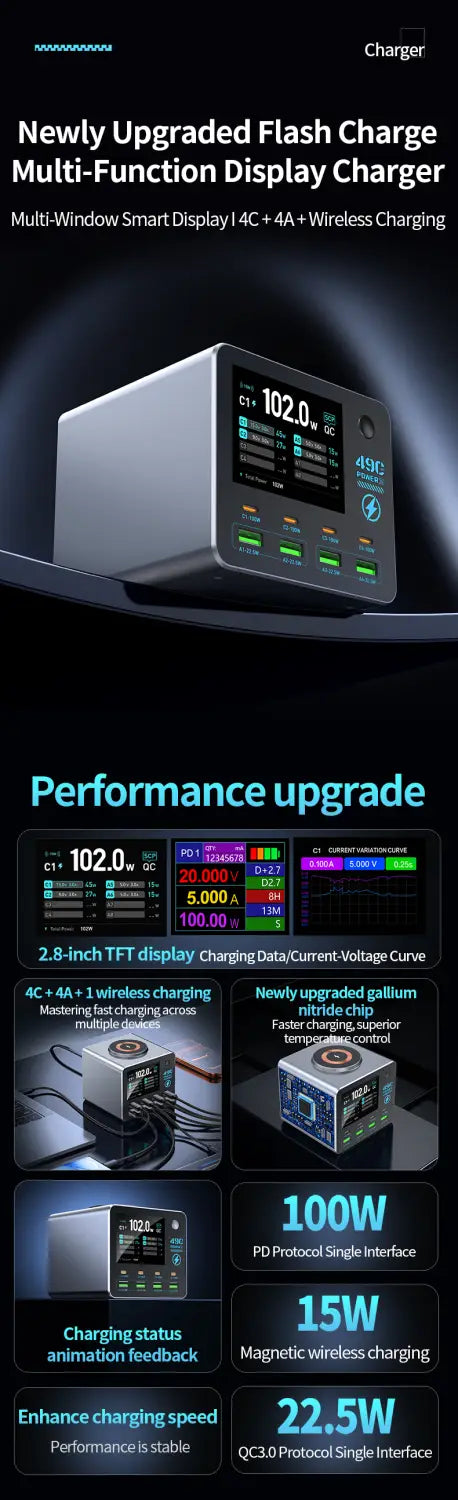
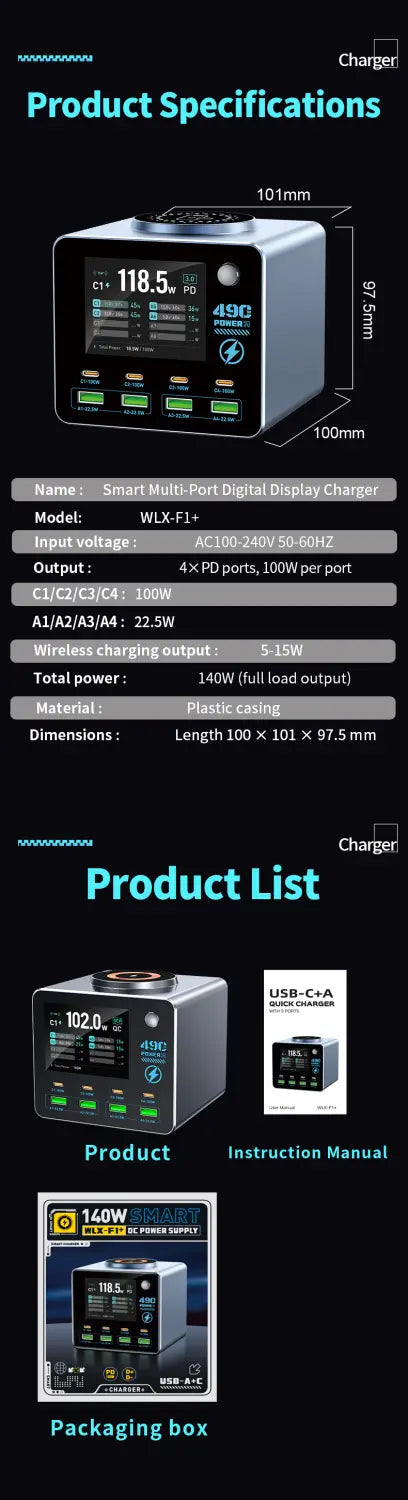
140W Smart Digital Multi-Port Charger 4C4A Wireless Charging for Smartphones, Tablets And More - Fast Charging Hub
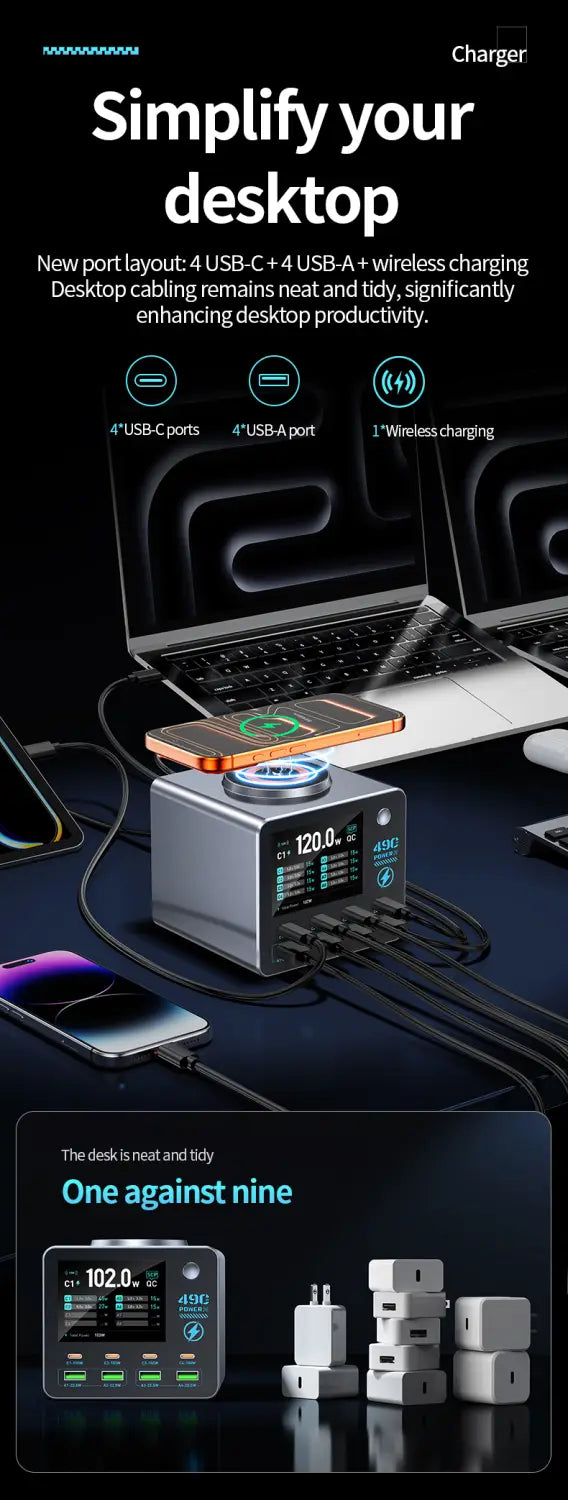
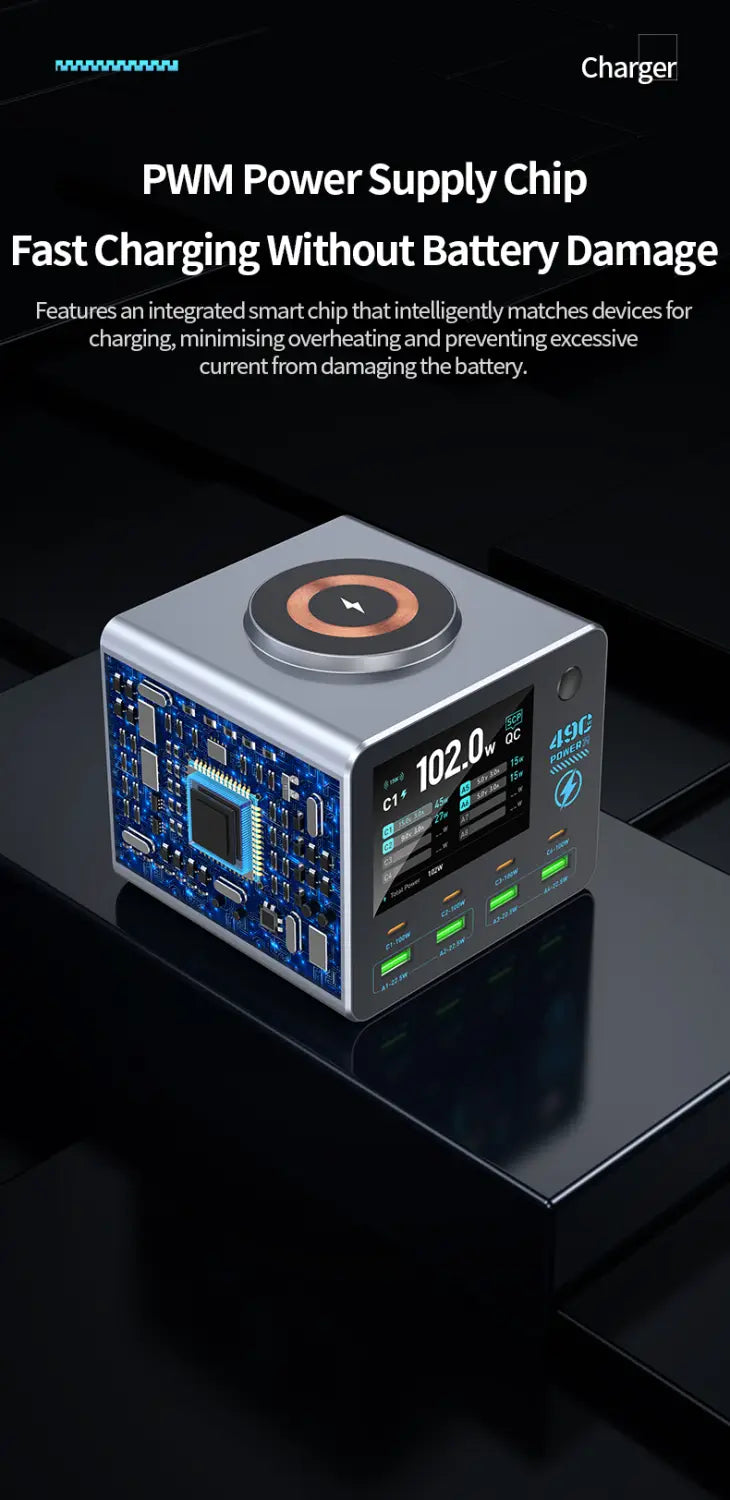
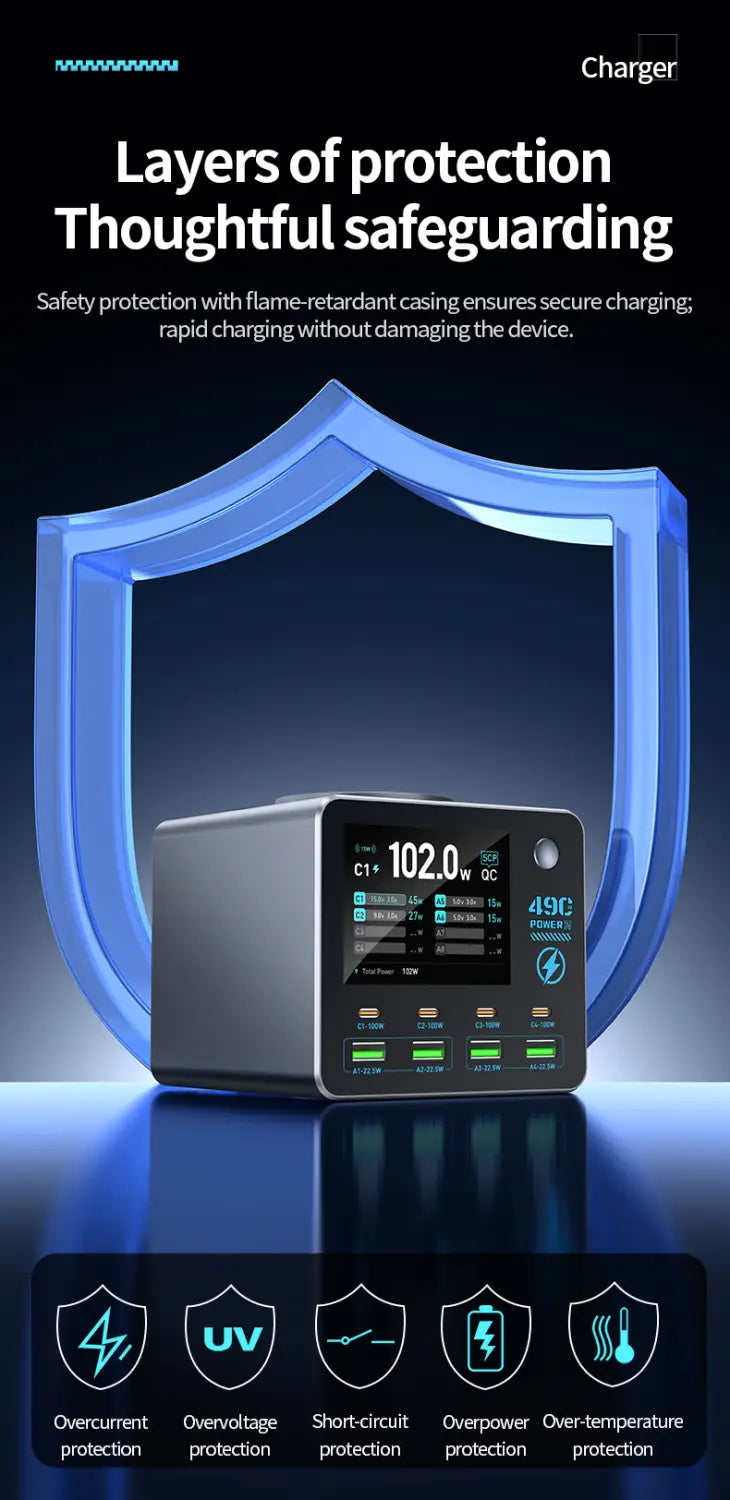
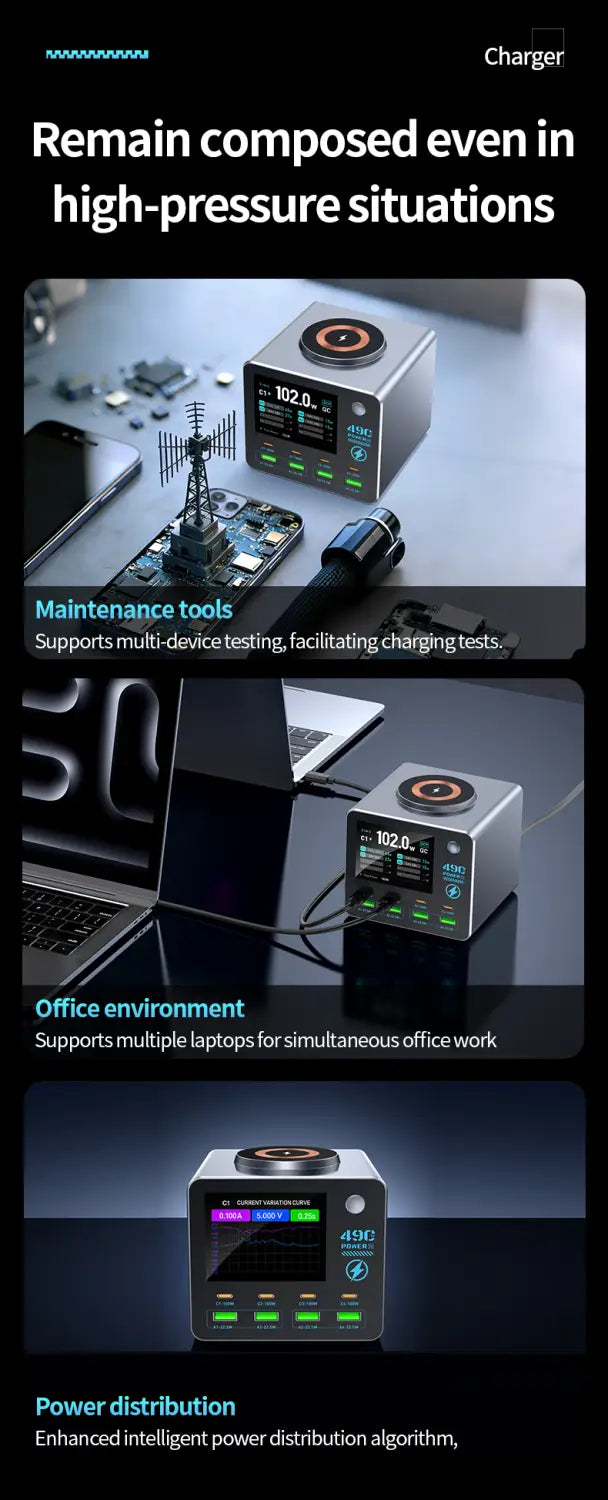
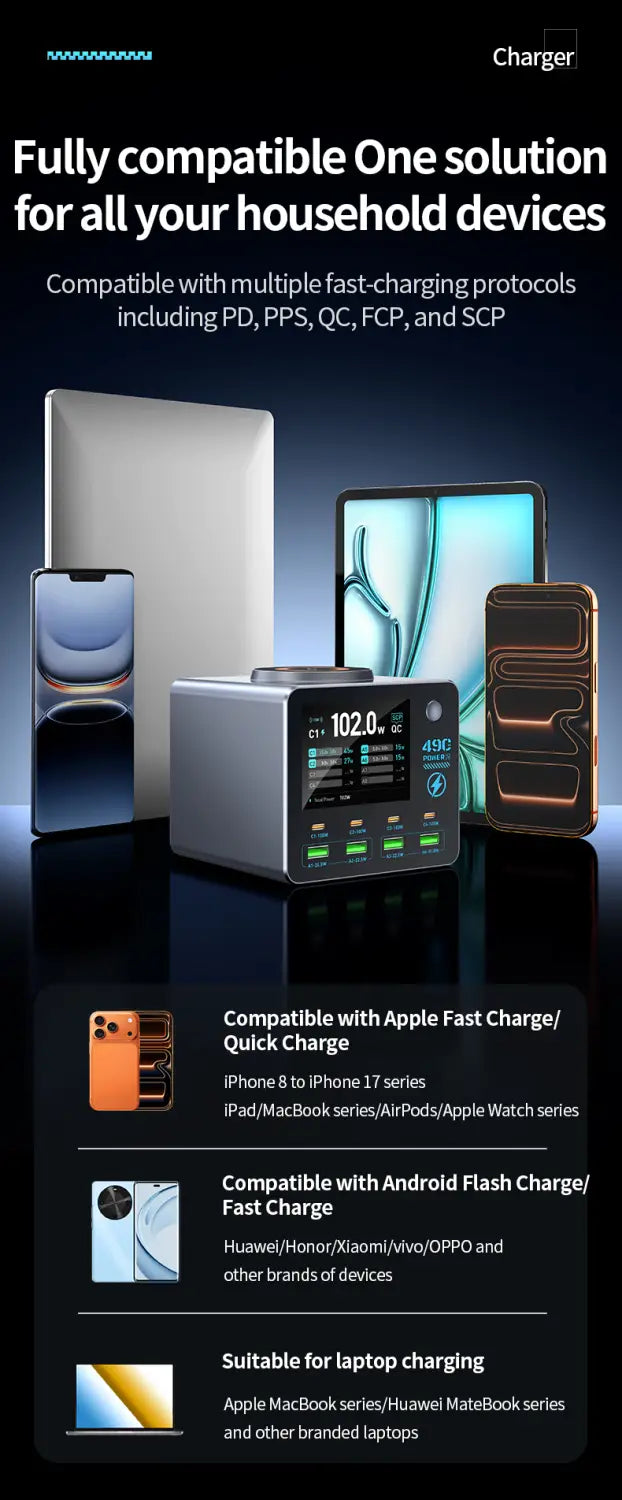
Experience unparalleled charging versatility with this premium multi-port desktop charger. Equipped with 4 USB-C ports, 4 USB-A ports, and a wireless charging coil, it delivers up to 140W total power to rapidly recharge a wide array of devices including laptops, tablets, smartphones, digital cameras, and wireless accessories. Perfect for busy offices, creative studios, cafes, and homes, this charger supports multiple devices simultaneously without compromising speed or safety.
Smart Power Output Distribution
Output Details:
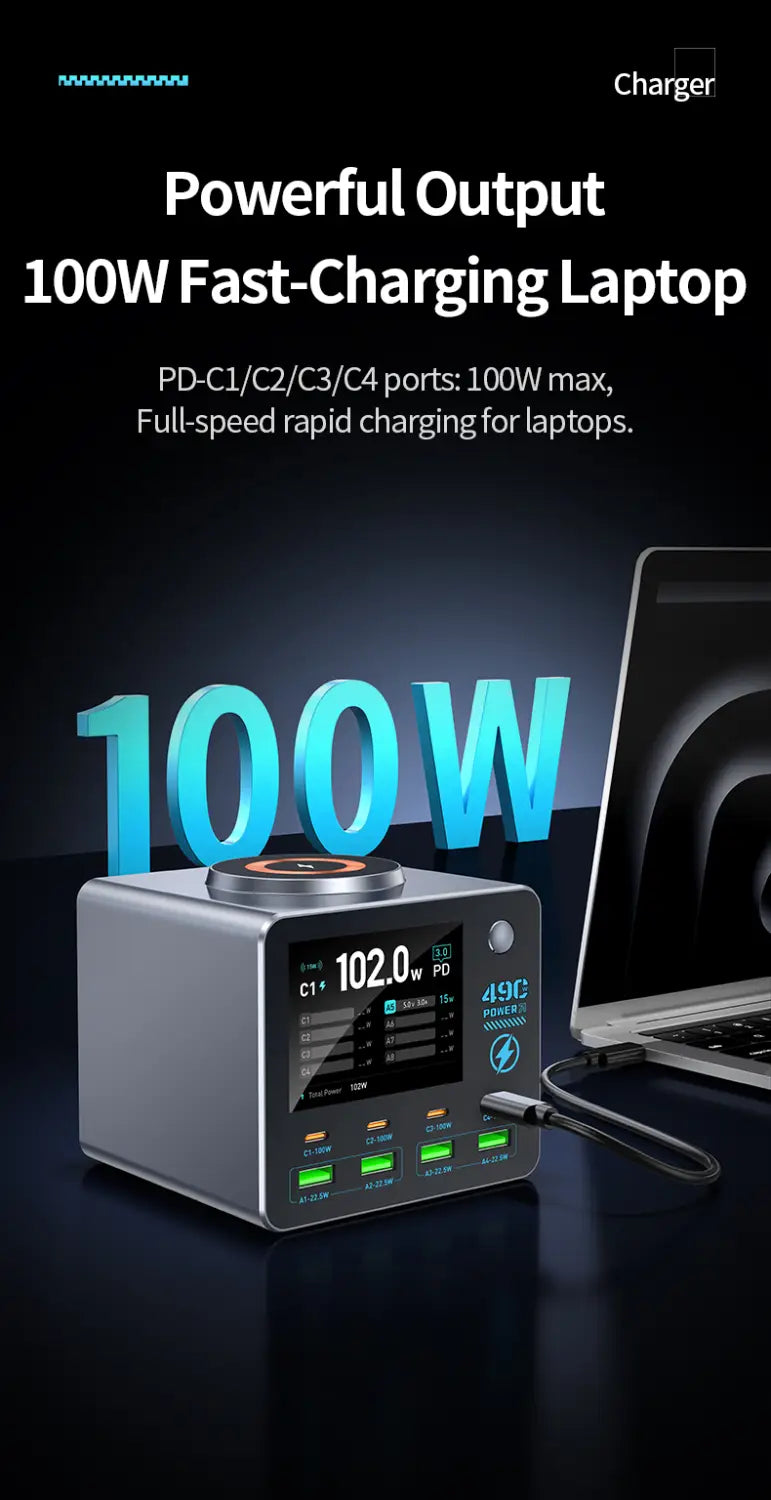
1. PD1/PD2/PD3/PD4 ports: PPS: 3.3–21 V, 5 A; 5 V, 3 A / 9 V, 3 A / 12 V, 3 A / 15 V, 3 A / 20 V, 5 A
Supported Protocols: PD 3.0, Apple, BC 1.2, AFC, FCP, SCP, QC 2.0, QC 3.0, PE+ 1.1, PE+ 2.0
2. A1/A2 Ports: 5V/9V/12V (22.5W Max)
3. A1 + A2 Ports: 5V 1.5A + 5V 1.5A
Supported Protocols: Apple, BC 1.2, AFC, FCP, SCP, QC 2.0, QC 3.0, PE+ 1.1, PE+ 2.0
4. A3/A4 Ports: 5V/9V/12V (22.5W Max)
5. A3 + A4 Ports: 5V 1.5A + 5V 1.5A
Supported Protocols: Apple, BC 1.2, AFC, FCP, SCP, QC 2.0, QC 3.0, PE+ 1.1, PE+ 2.0
6. Wireless Charging: 15W
Smart Power Distribution:
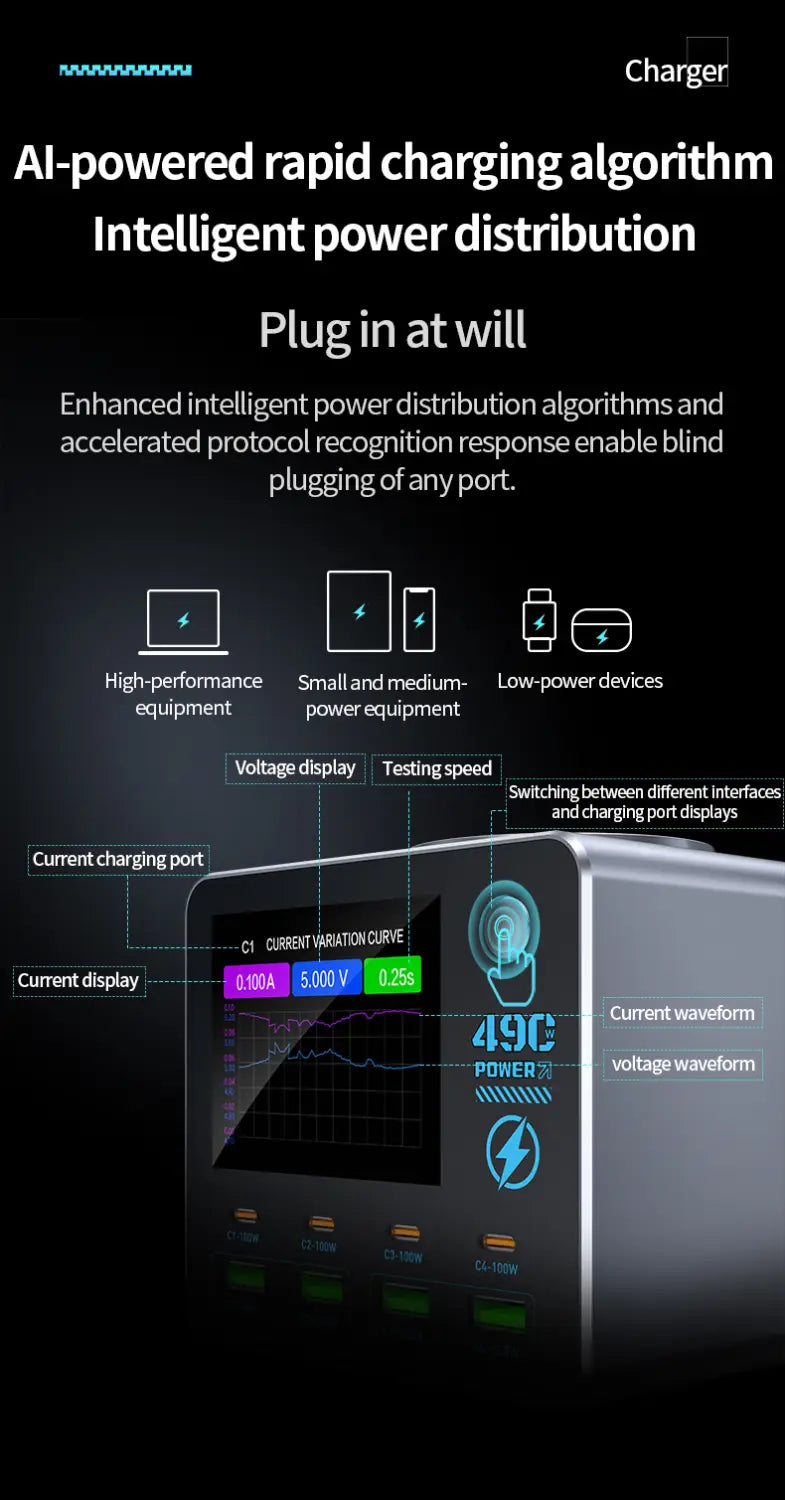
Ensures efficient and safe charging by maintaining total output power below 140W while enabling all USB-C, USB-A, and wireless ports to fast-charge devices simultaneously.
Product Function Operation:
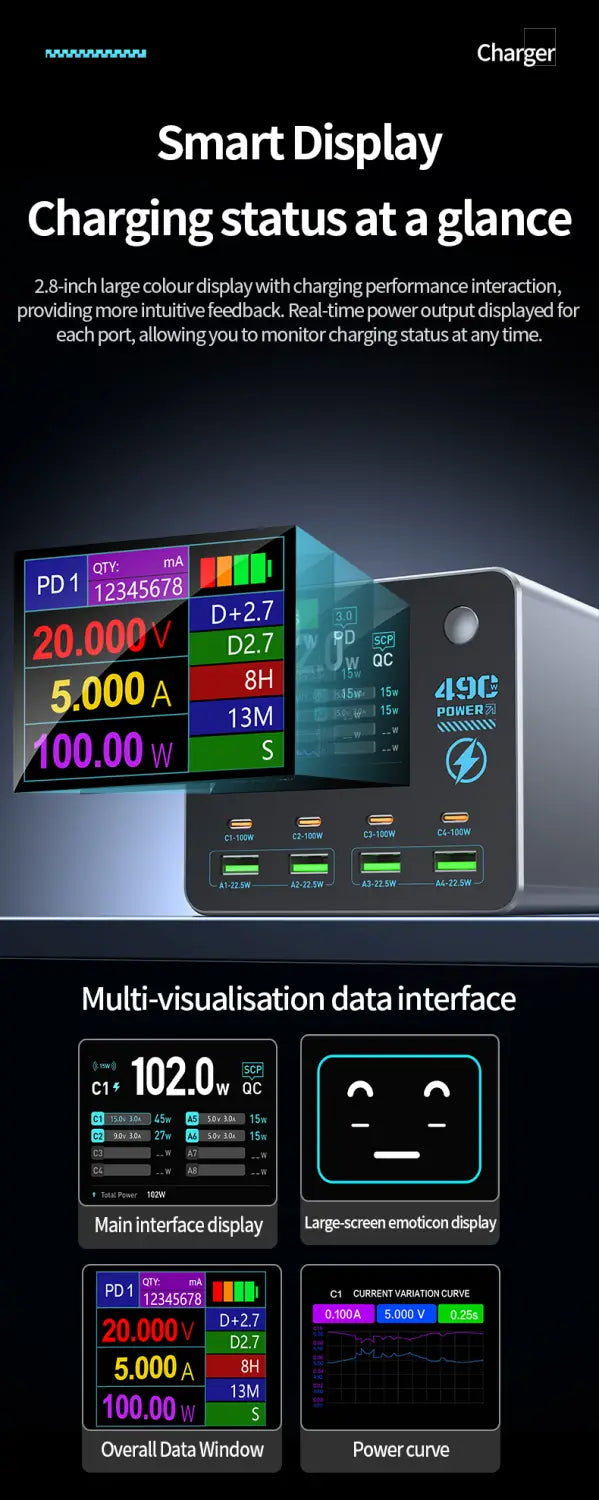
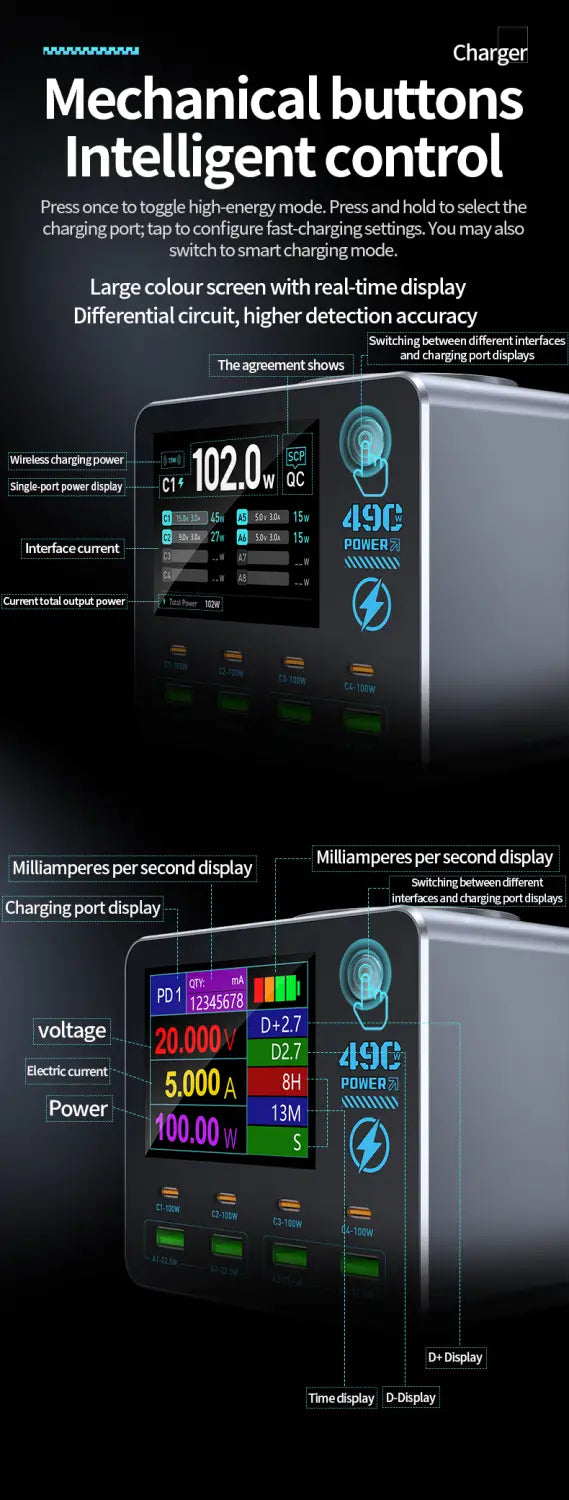
Waveform Interface (Enter/Exit): Press the button twice rapidly.
Waveform Interface (Switch): Press once to cycle between charging ports when multiple devices are connected.
Waveform Interface V/A Display Switch: Hold for 3 seconds to toggle voltage/current display.
Secondary Interface (Enter/Exit): Hold the button for 3 seconds on the main interface.
Secondary Interface (Switch): Press once to switch displays when multiple devices are connected.