140w Smart Digital Multi-port Desktop Charger
black / UK
$168.97
Skip to product information


140w Smart Digital Multi-port Desktop Charger
$168.97
SPECIFICATIONS
Applied Fast Charge Protocols: USB PD
Brand Name: deepartner
Certification: RoHS, CE
Choice: Yes
GaN: Yes
High-concerned chemical: None
Is it with charging cable: Yes
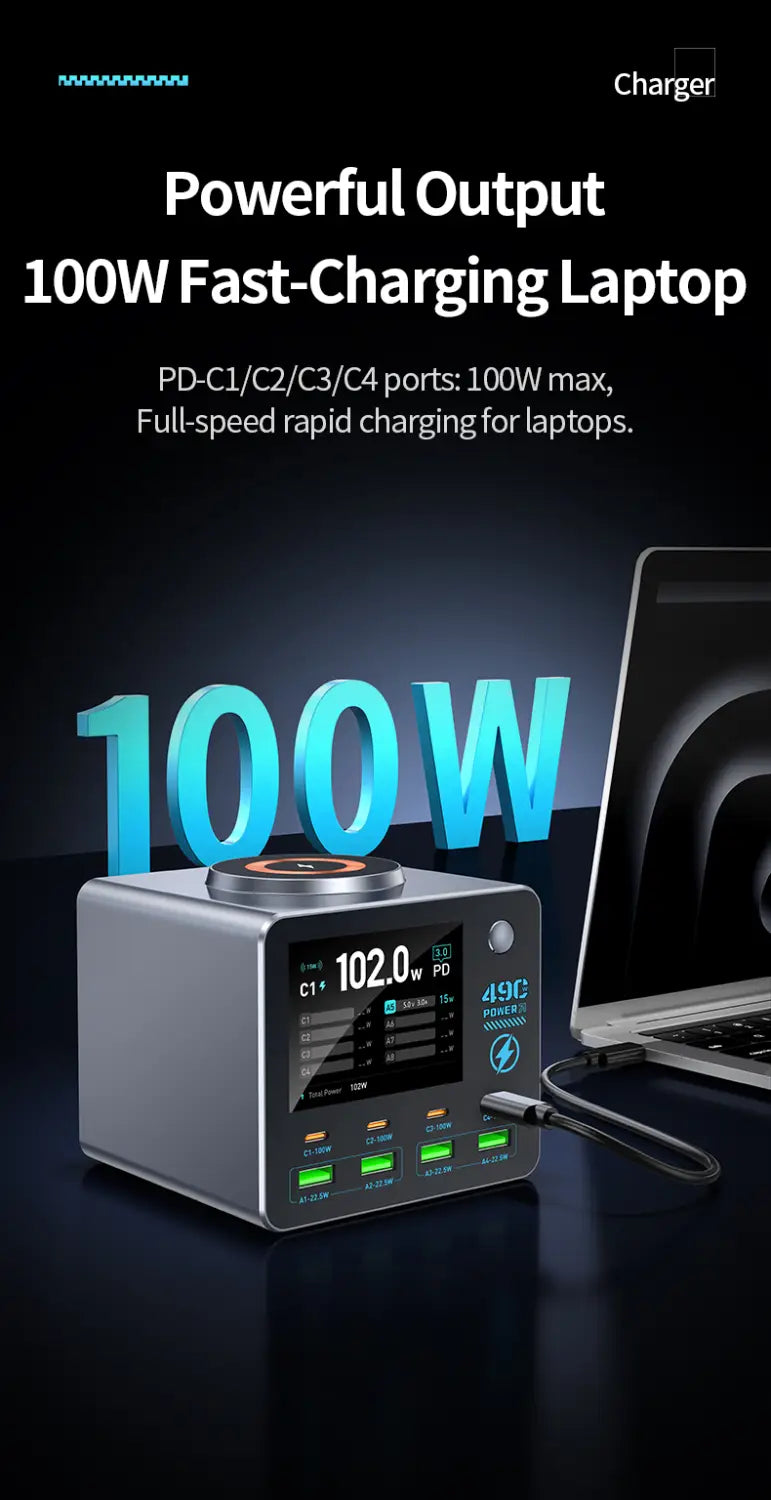
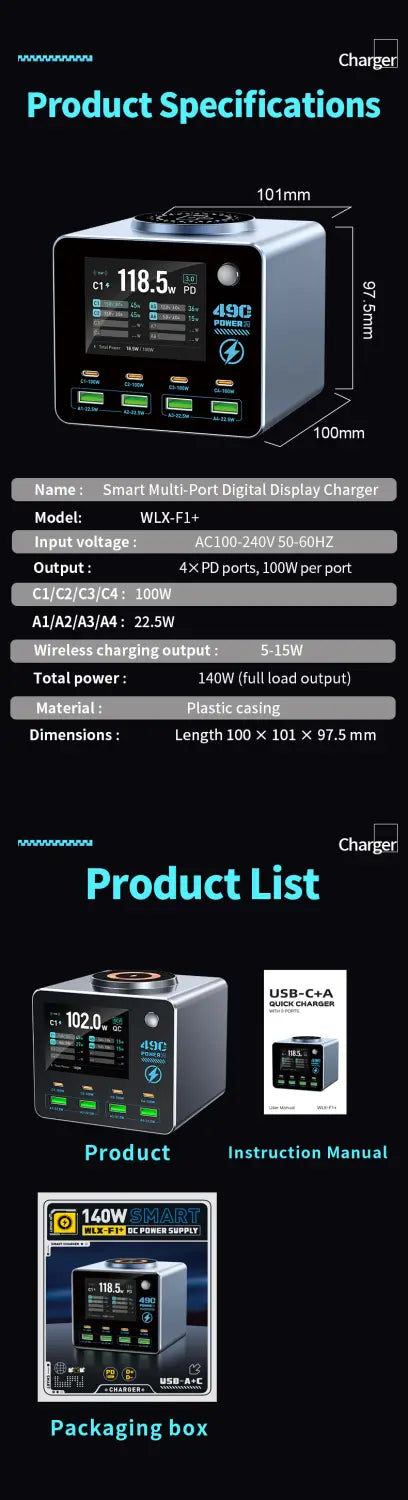
Max. Output Power: 100W
Origin: Mainland China
Output Interface: USB, Type C
Type: Quick charger
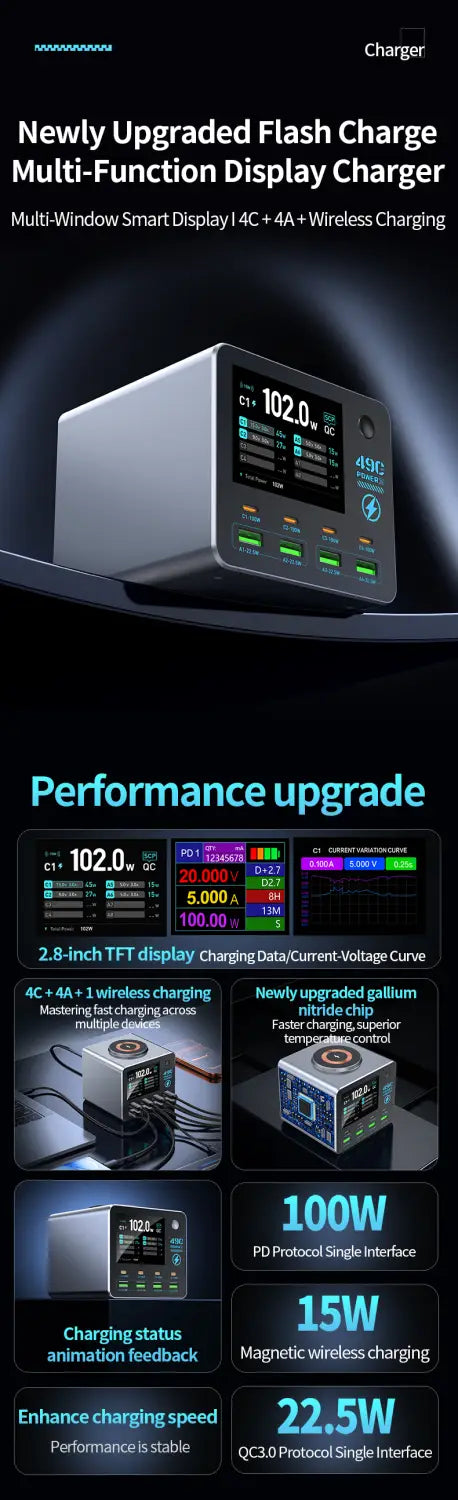
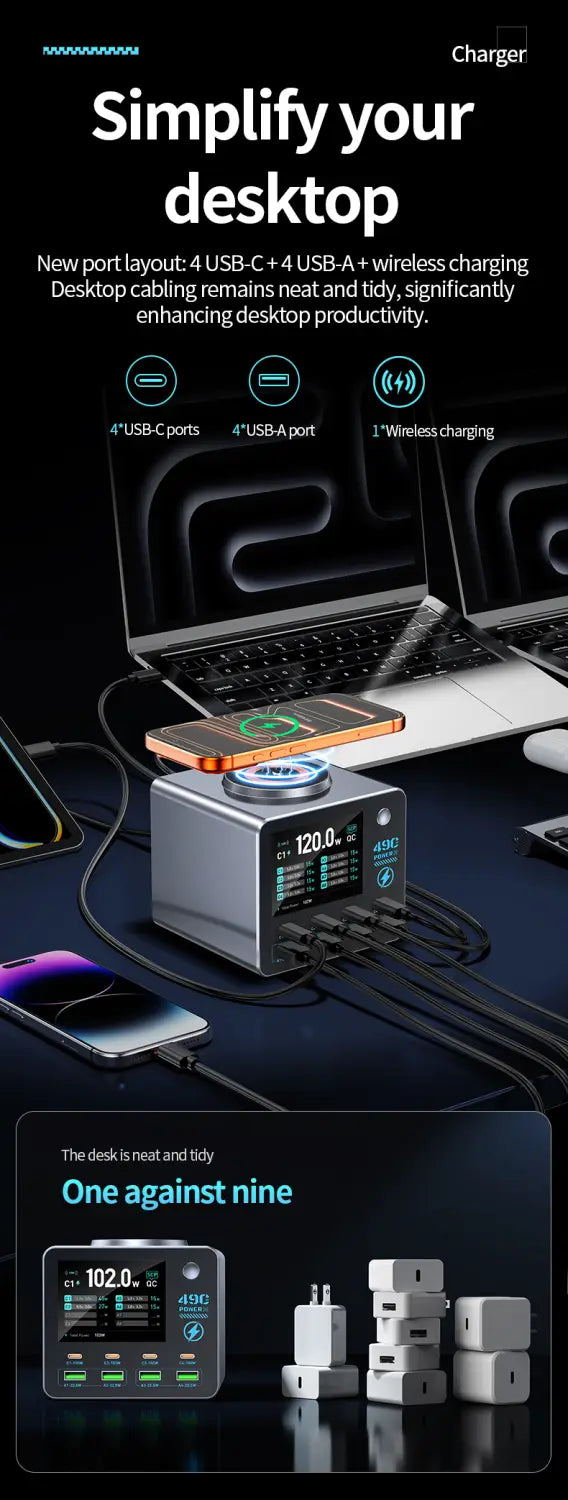
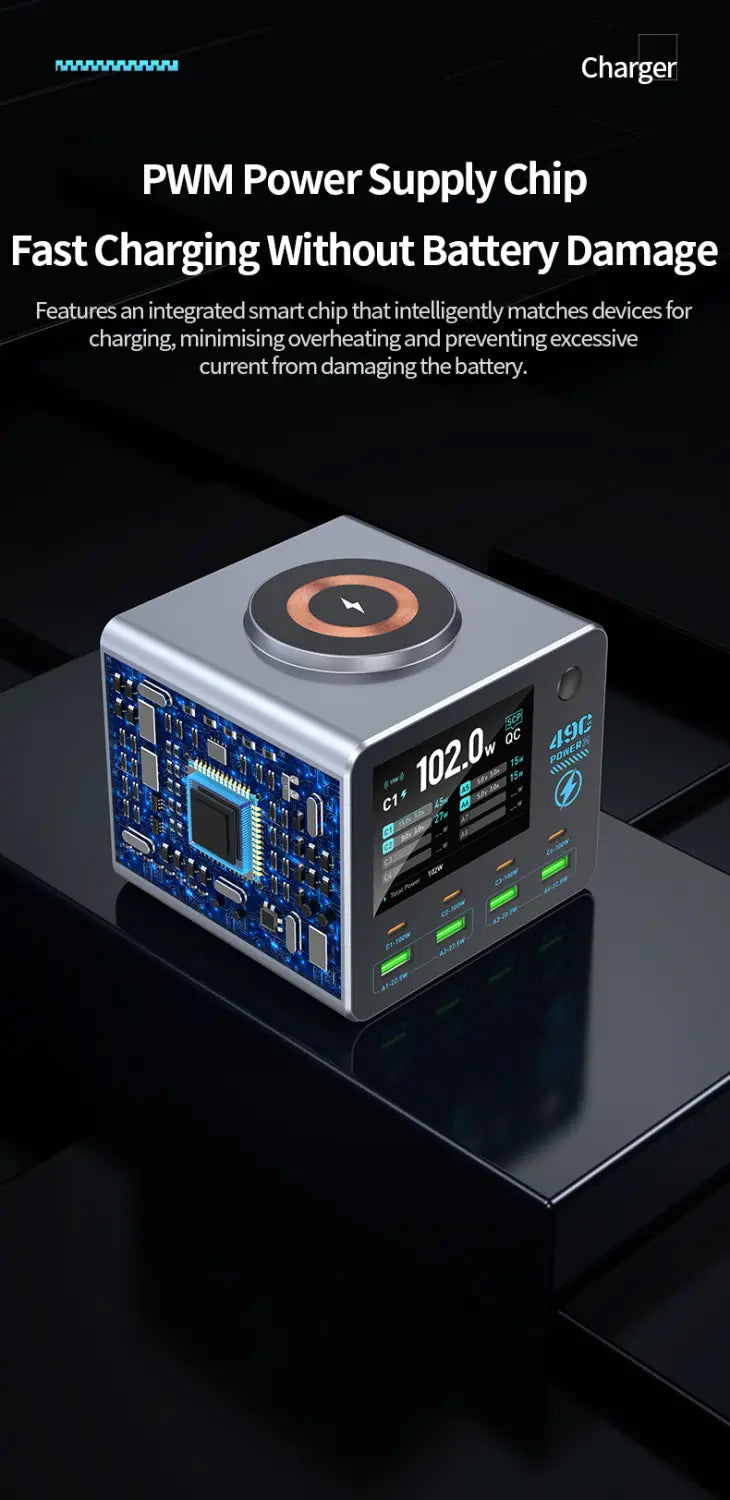
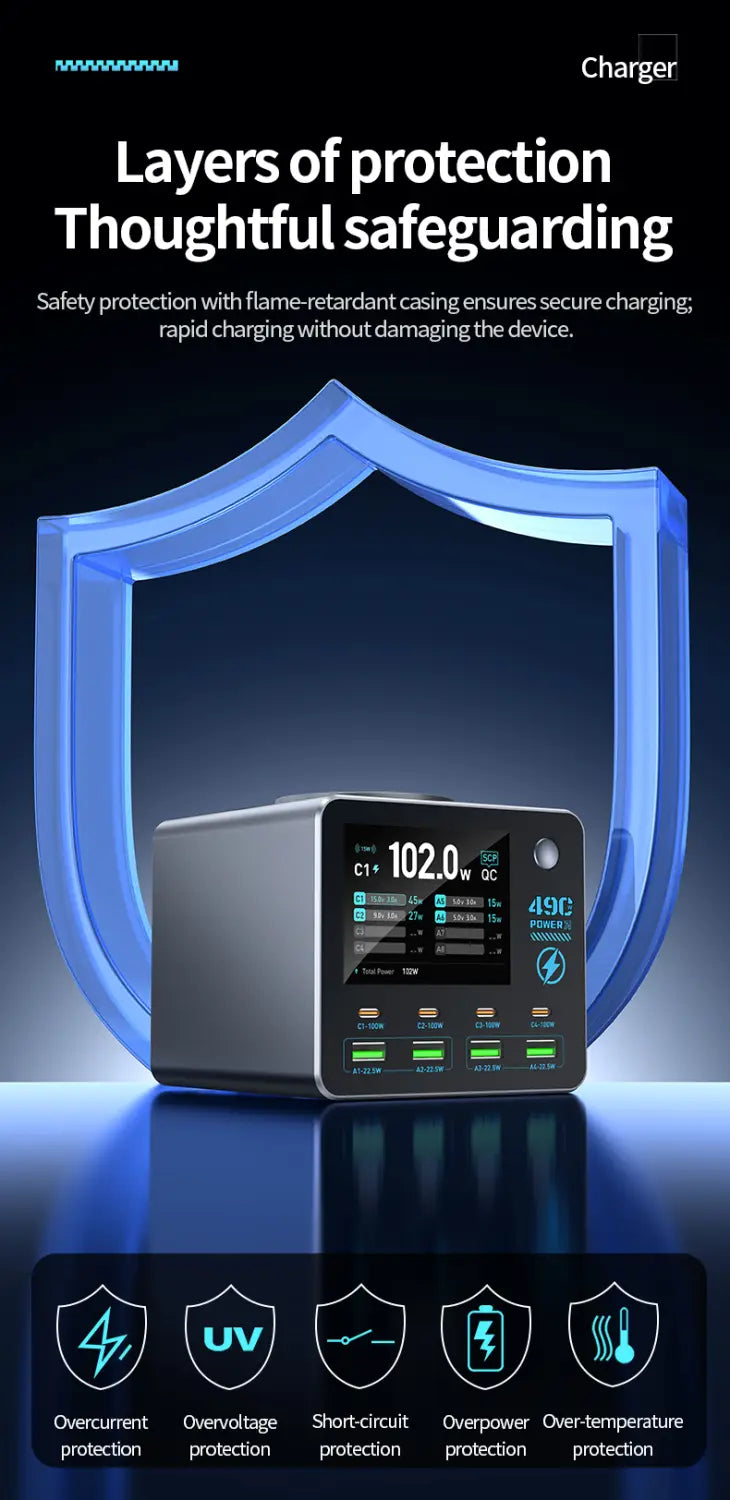
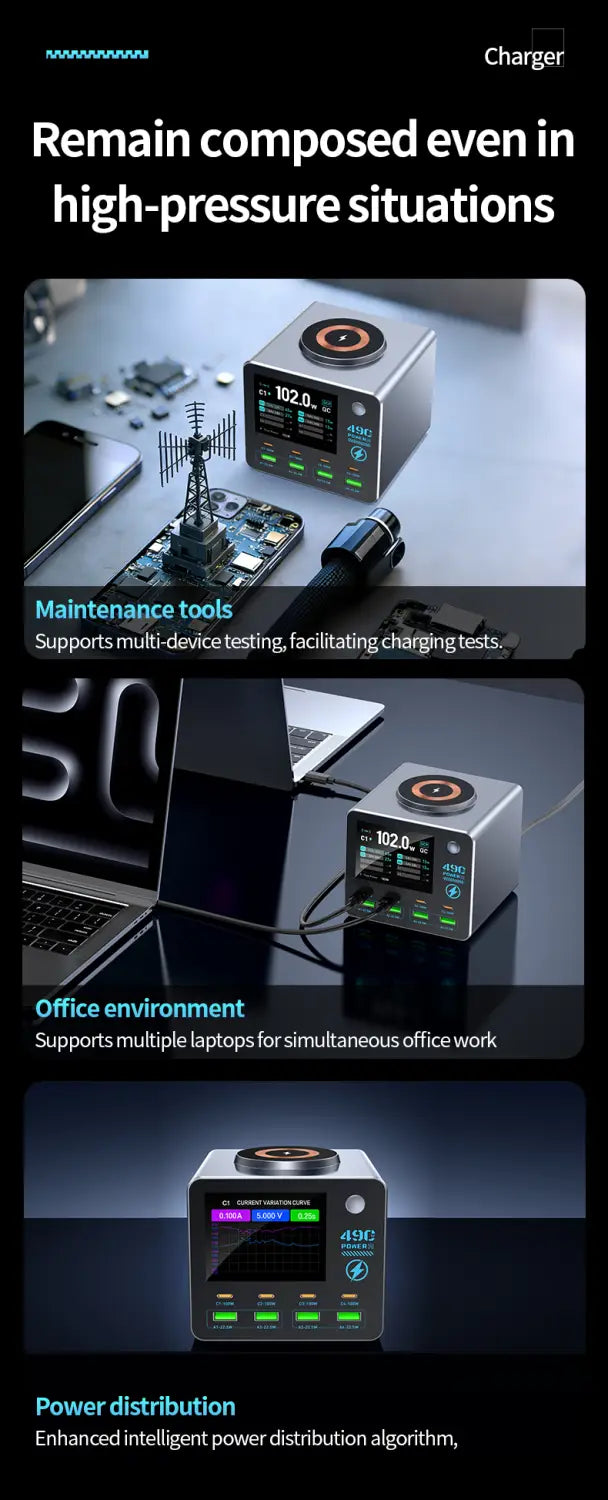
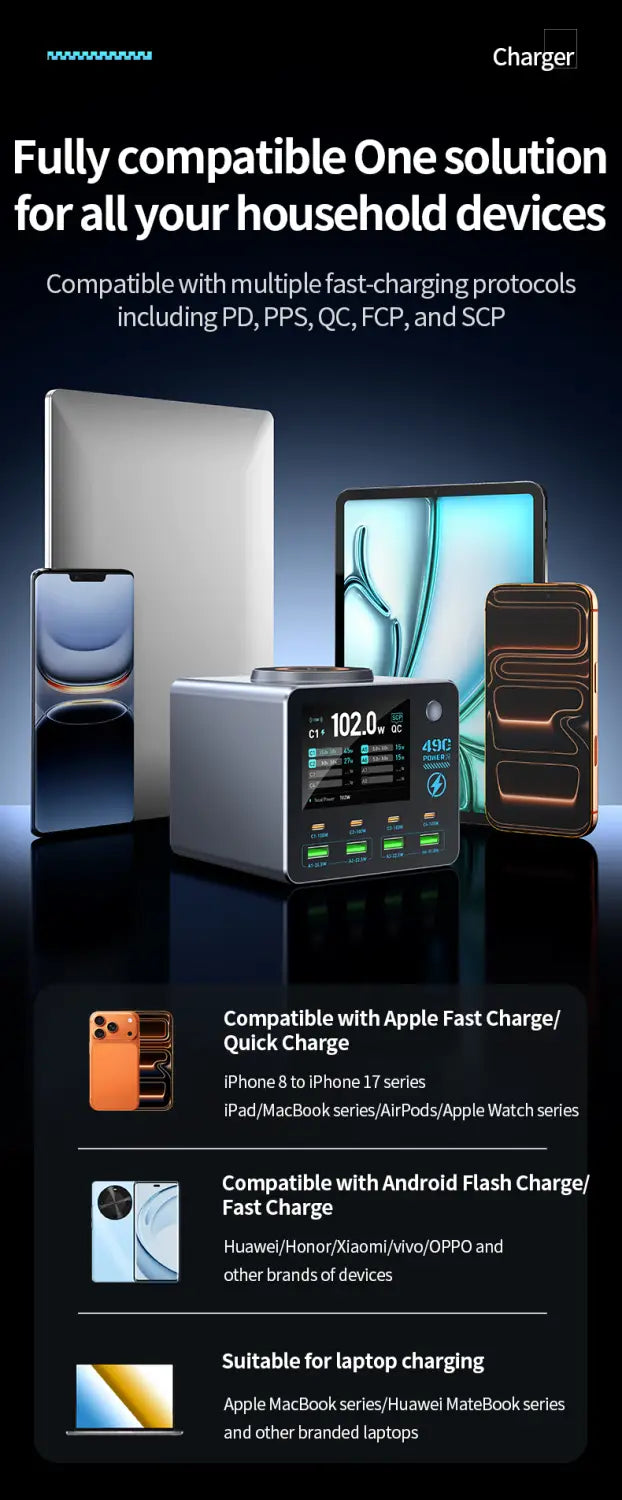
Discover the pinnacle of charging technology with this multi-port, multi-functional desktop display charger. Equipped with 4 USB-C ports, 4 USB-A ports, and a wireless charging coil, it delivers up to 140W of total output power. Experience rapid charging for a broad range of devices, including laptops, tablets, smartphones, digital cameras, Bluetooth speakers, and more. Ideal for busy offices, conference rooms, studios, homes, and any environment requiring simultaneous device charging, it brings convenience and efficiency to your everyday life.
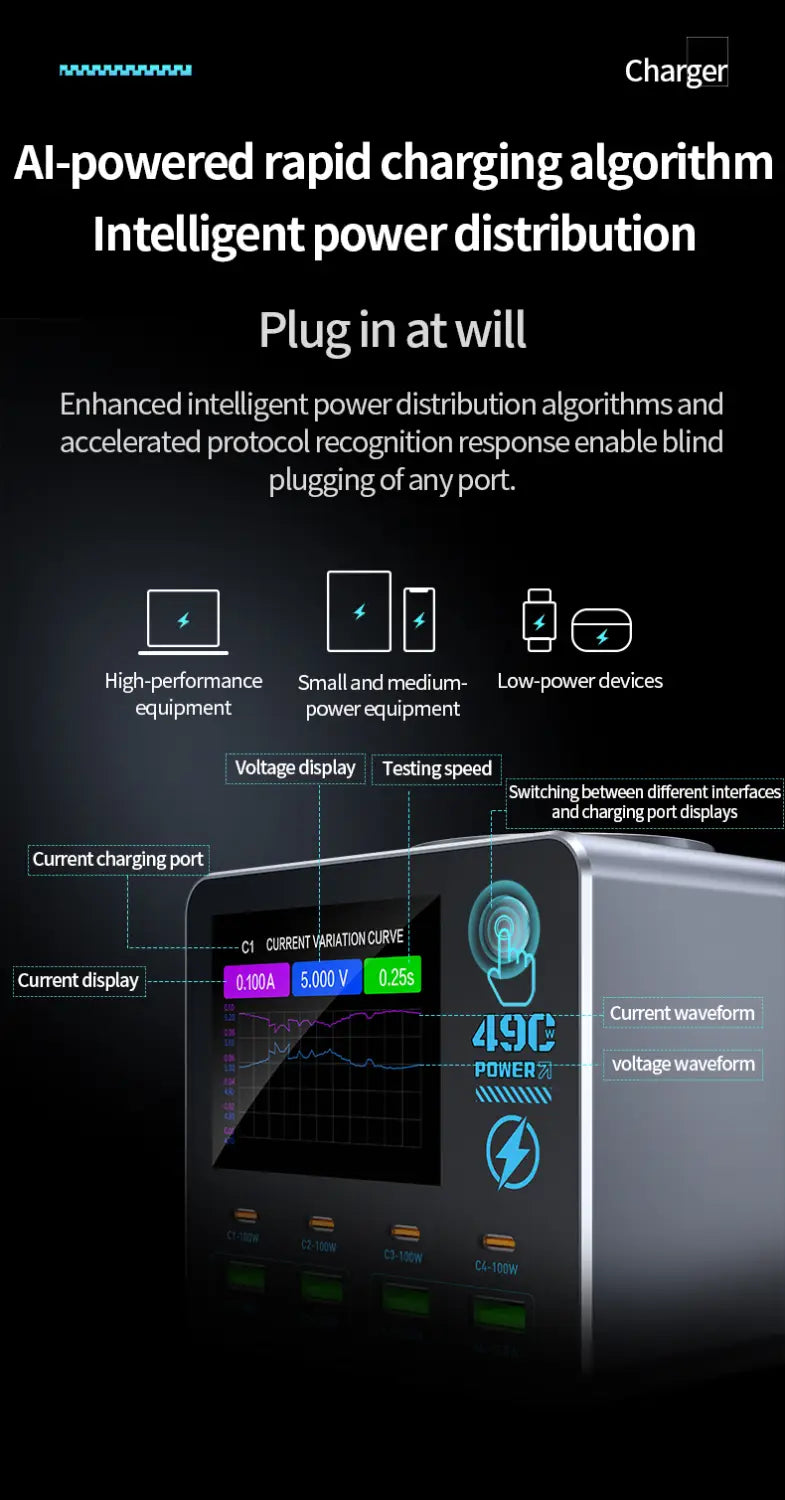
Smart Power Output Distribution
Output Features:
1. PD1/PD2/PD3/PD4 ports: PPS: 3.3–21 V, 5 A; 5 V, 3 A / 9 V, 3 A / 12 V, 3 A / 15 V, 3 A / 20 V, 5 A
Supported Protocols: PD 3.0 / Apple / BC 1.2 / AFC / FCP / SCP / QC 2.0 / QC 3.0 / PE+ 1.1 / PE+ 2.0
2. A1/A2 Ports: 5V/9V/12V (22.5W Max)
3. A1 + A2 Ports: 5V 1.5A + 5V 1.5A
Supported Protocols: Apple / BC 1.2 / AFC / FCP / SCP / QC 2.0 / QC 3.0 / PE+ 1.1 / PE+ 2.0
4. A3/A4 Ports: 5V/9V/12V (22.5W Max)
5. A3 + A4 Ports: 5V 1.5A + 5V 1.5A
Supported Protocols: Apple / BC 1.2 / AFC / FCP / SCP / QC 2.0 / QC 3.0 / PE+ 1.1 / PE+ 2.0
6. Wireless Charging: 15W
Smart Power Distribution:
Ensures all USB-C, USB-A, and wireless charging ports can fast-charge devices simultaneously while maintaining total output power below 140W, optimizing efficiency and device safety.
Product Function Operation:
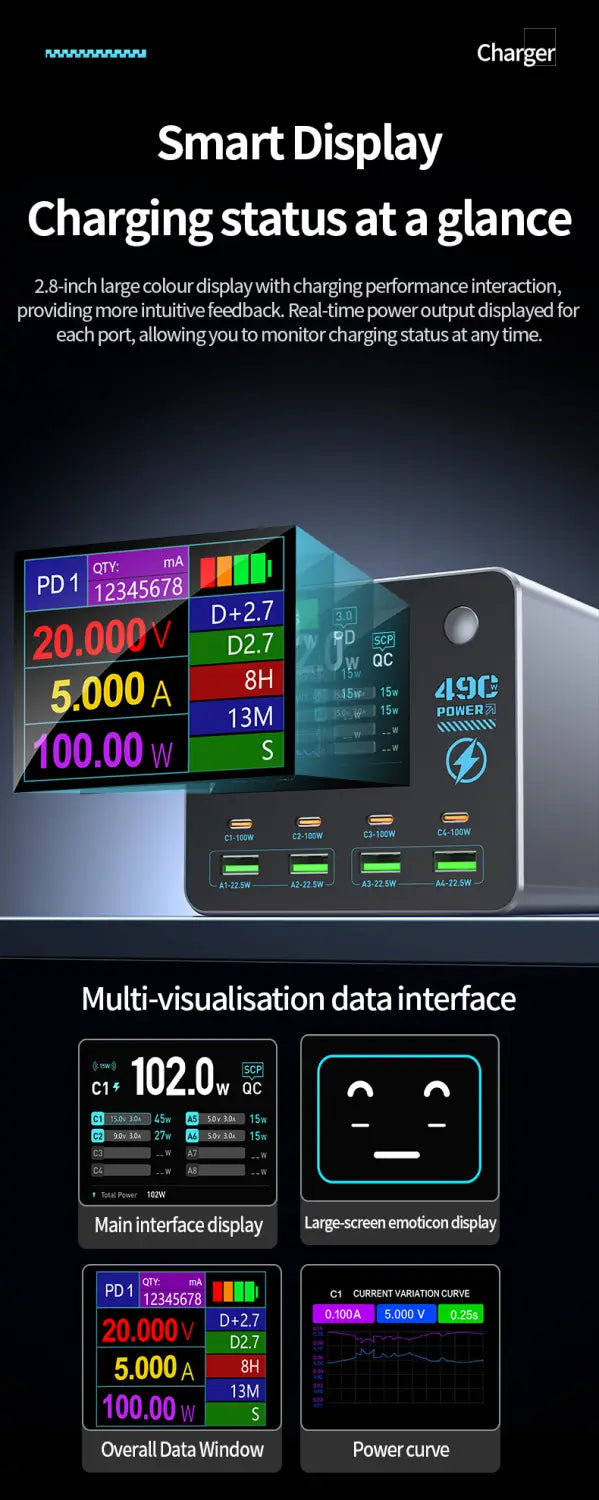
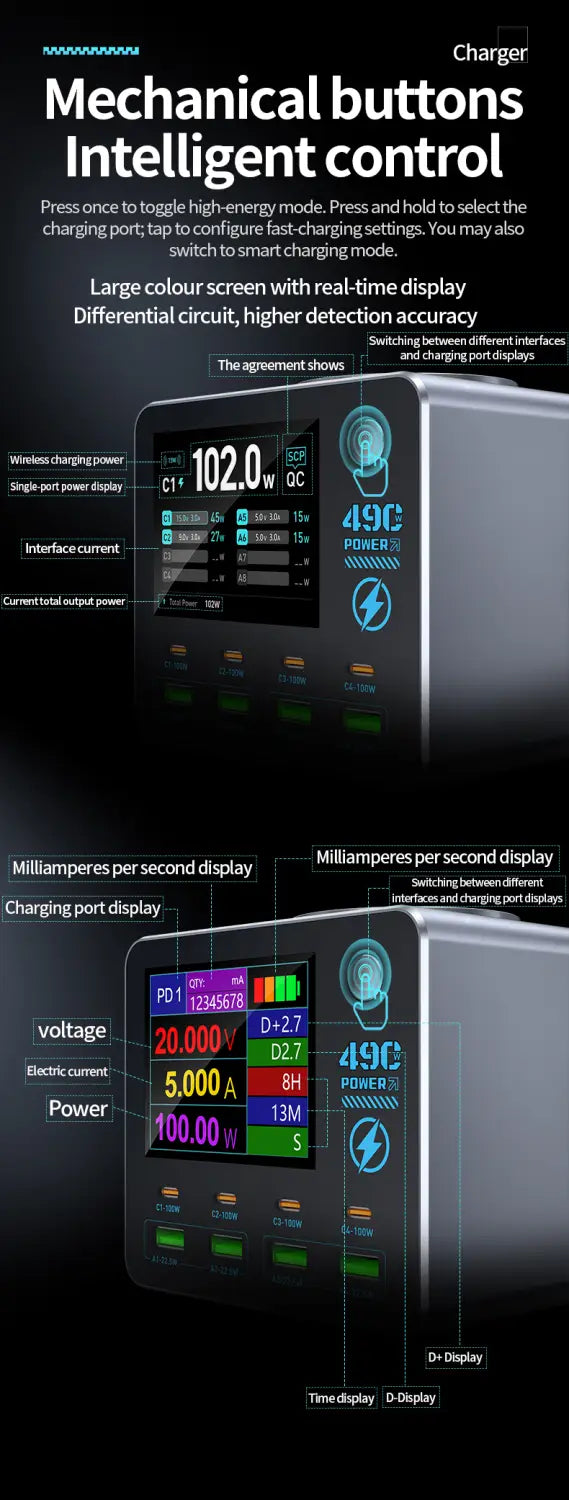
Waveform Interface (Enter/Exit): Press the button twice quickly to switch modes.
Waveform Interface (Switch): Press once to toggle displays between charging ports (requires multiple connected devices).
Waveform Interface V/A (Voltage/Current) Display Switch: Hold the button for 3 seconds to alternate the voltage and current display.
Secondary Interface (Enter/Exit): Hold the button for 3 seconds from the main interface.
Secondary Interface (Switch): Press once within secondary interface to toggle charging port displays (requires two or more devices connected).