

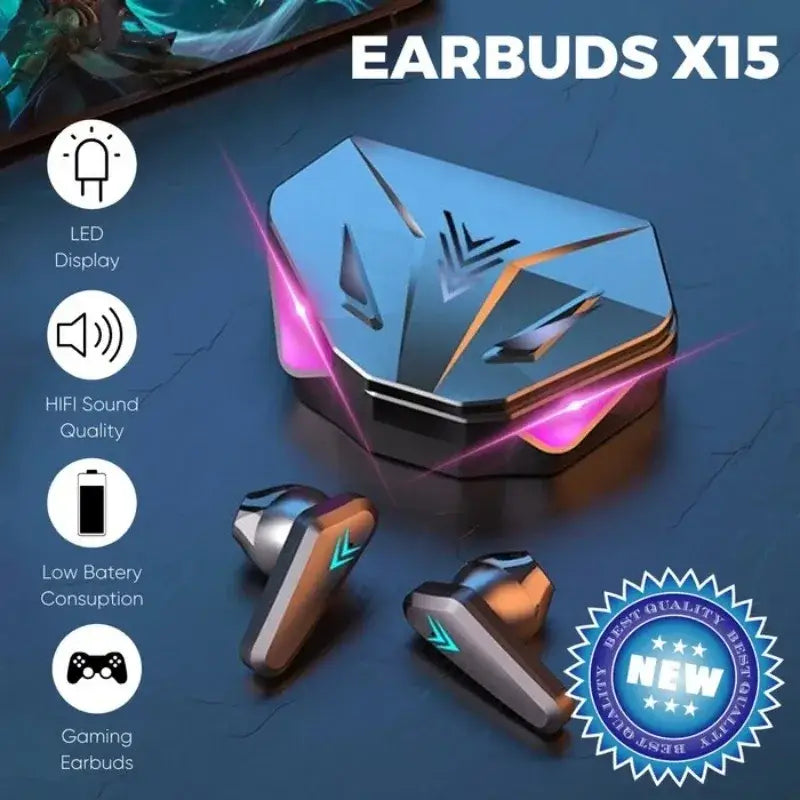
X15 Wireless Gaming Earbuds Low Latency In-ear Style
black
$52.45
Skip to product information


X15 Wireless Gaming Earbuds Low Latency In-ear Style
$52.45
SPECIFICATIONS
Active Noise-Cancellation: Yes
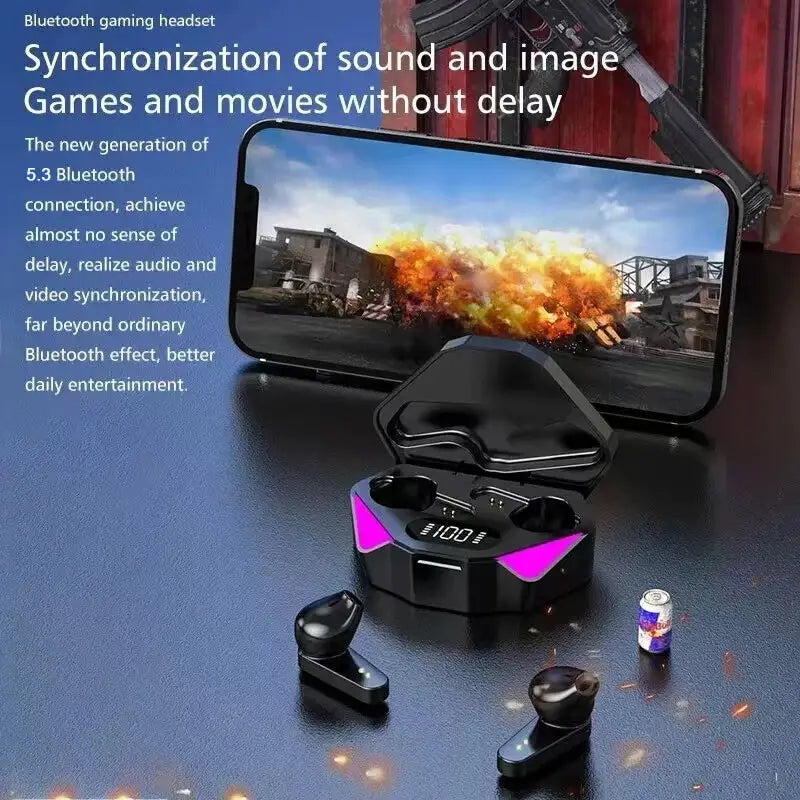
Audio latency: 0.01S
Battery Capacity[mAh]: 150
Brand Name: renear
Category: Earphones & Headphones
Certification: CE,FCC,RoHS
Charging Time: 2
Choice: yes
Communication: WireLess
Control Button: No
Control Method: Others
Department: Unisex-adult
High-concerned chemical: none
Material: ABS
Origin: Mainland China
Speaker maximum output power: 0.1
Style: Wired in-ear headphones
Vocalism Principle: Balanced Armature
Volume Control: No
Wireless Type: Bluetooth
whether electrical: No
Key Features and Benefits:
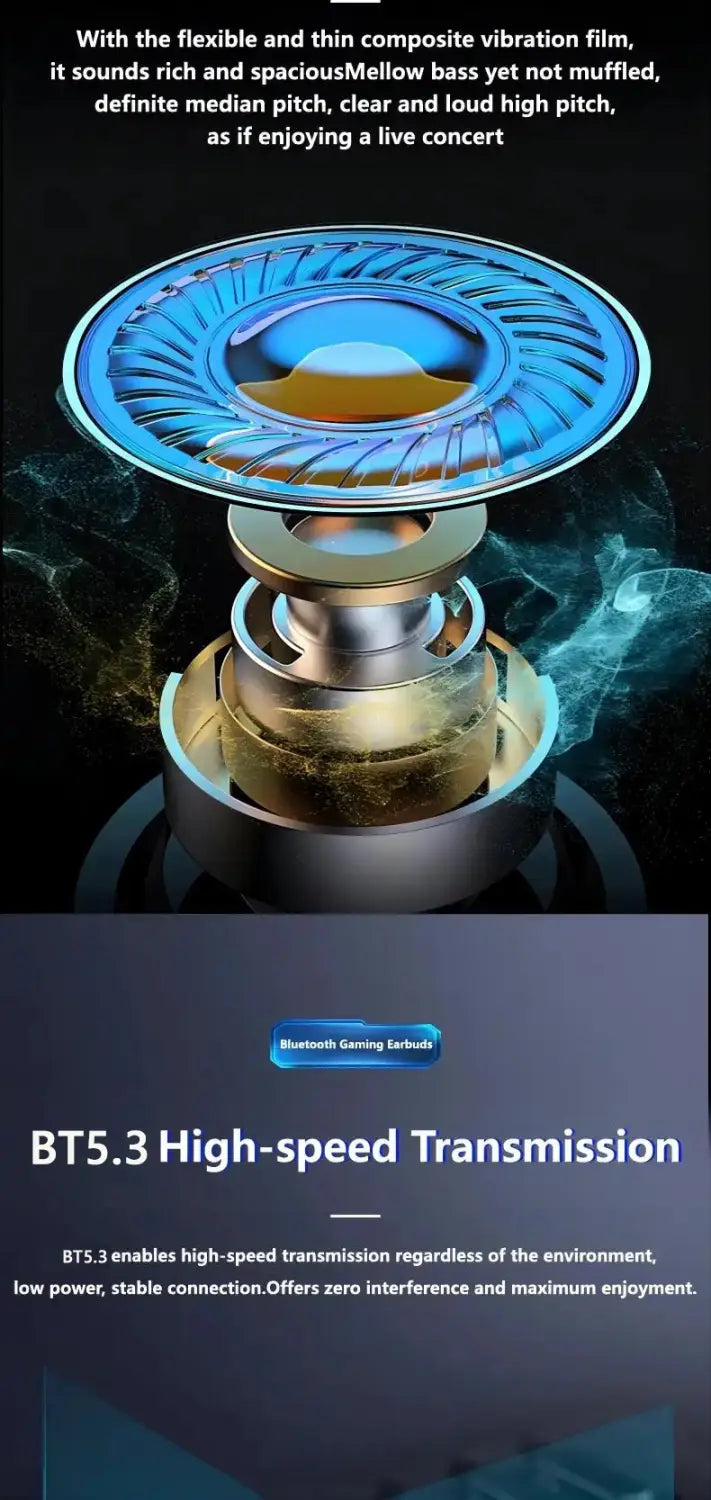
• Bluetooth 5.3 Technology : Ensures seamless wireless connectivity and stable signal transmission for consistent audio quality during music listening or calls.
• Low Latency Performance : Designed with a 65ms low latency, providing quick audio response which is essential for gaming and music listening, delivering synchronized sound without noticeable delay.
• In-ear Style Design : Comfortable and ergonomic in-ear style that offers passive noise isolation, improving audio clarity during extended usage.
• Charging Case Included : Allows convenient charging and storage of the earphones, ensuring they are powered and protected when not in use.
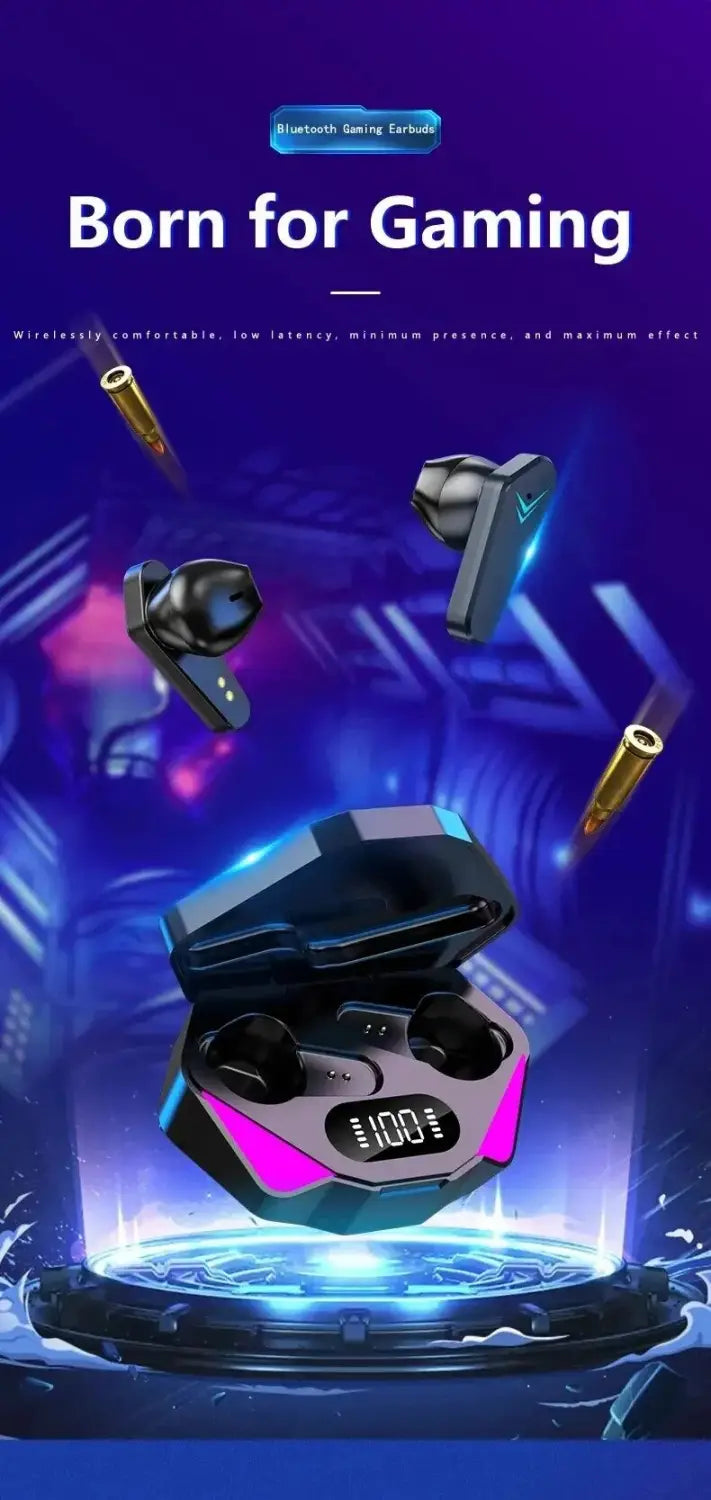
• Esport Gaming Headset : Tailored for professional gaming with superior sound quality and reliability for clear in-game audio cues.
• Built-in Microphone : Facilitates clear voice communication for multiplayer gaming or calls, improving user interaction.
• Device Compatibility : Compatible with popular devices including Xiaomi and iPhone, allowing versatile use across platforms.
Product Specifications:
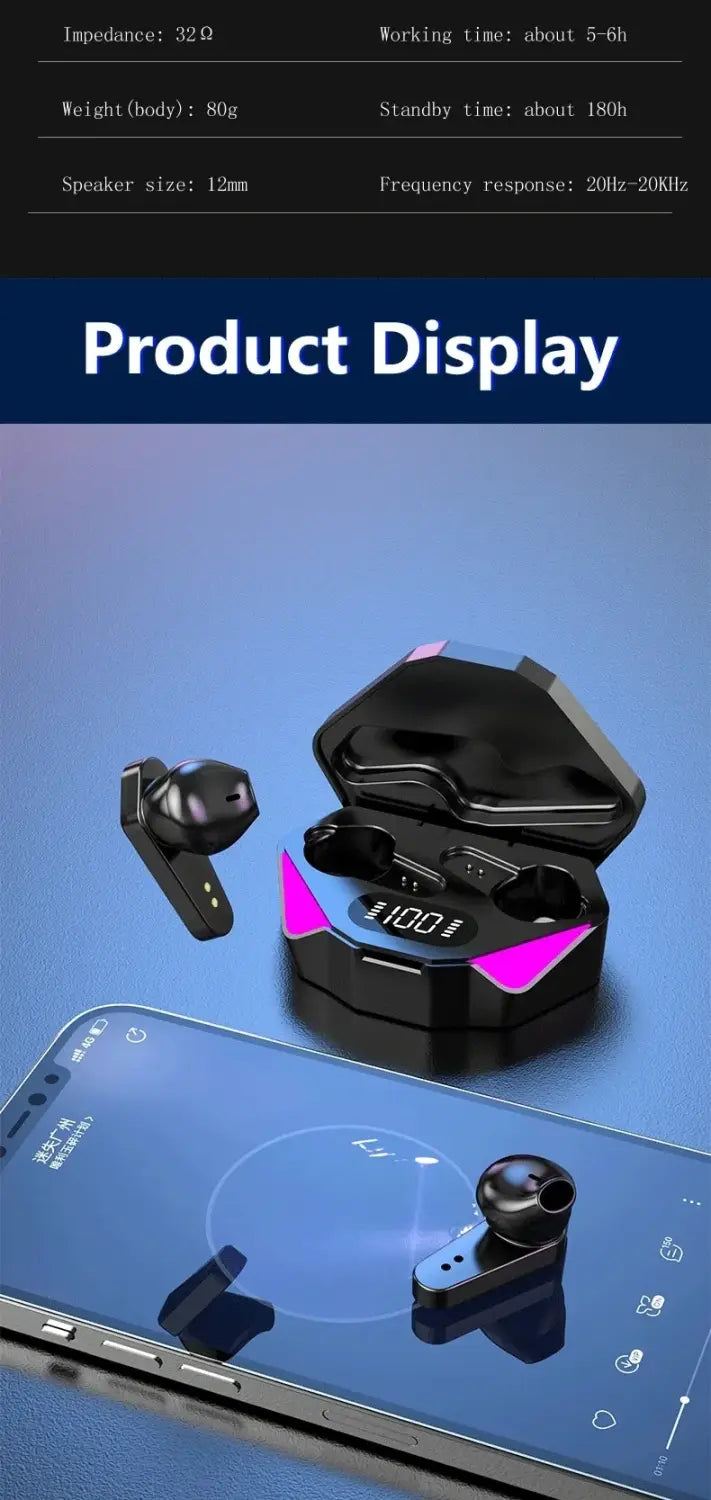
BT version: V5.3
Support mode: a2dp/avctp/avdtp/avrcp/hfp
Transmission distance: 10 meters (in empty space)
Work time: About 2-3 hours
Charge time: About 1-2 hours
For the first time using, please fully charge this product with a charger outputting 5V/1A.
Usage Notes:
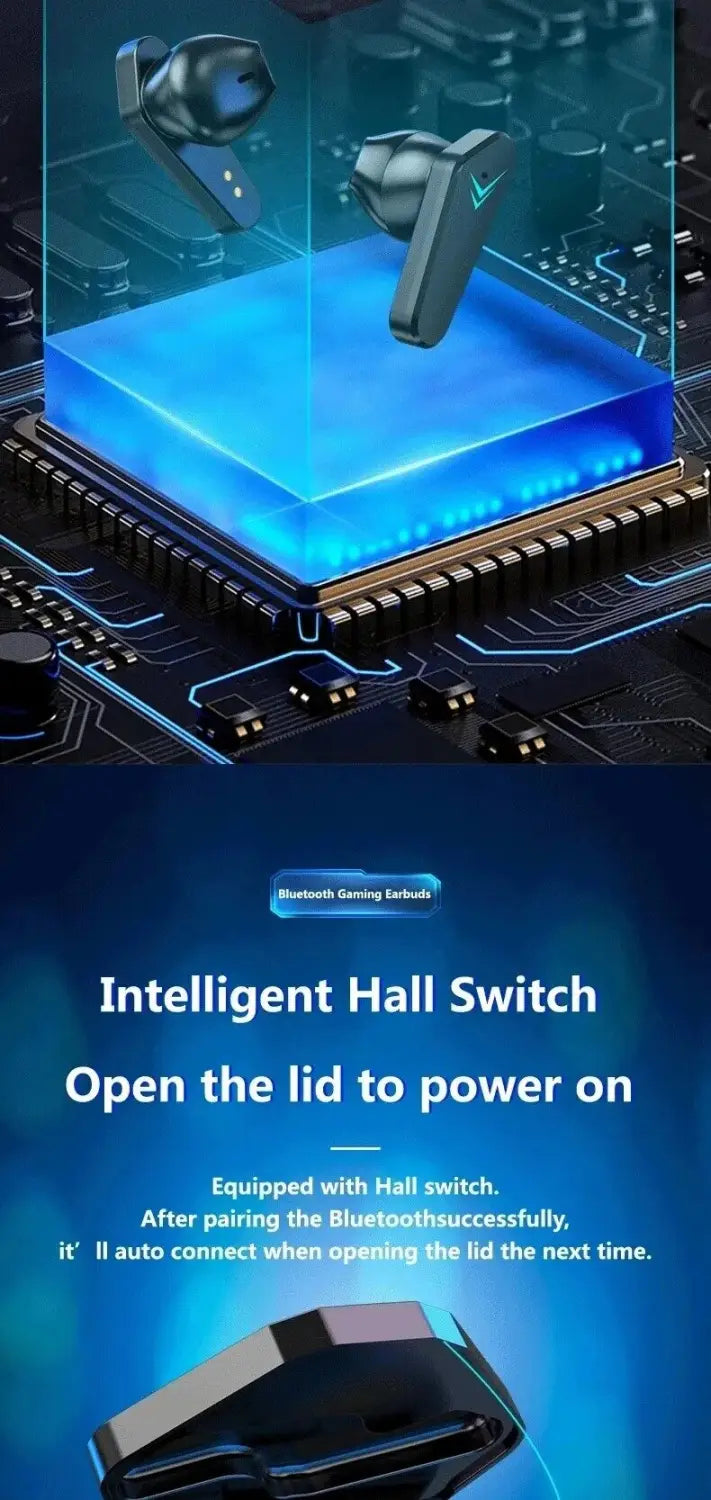
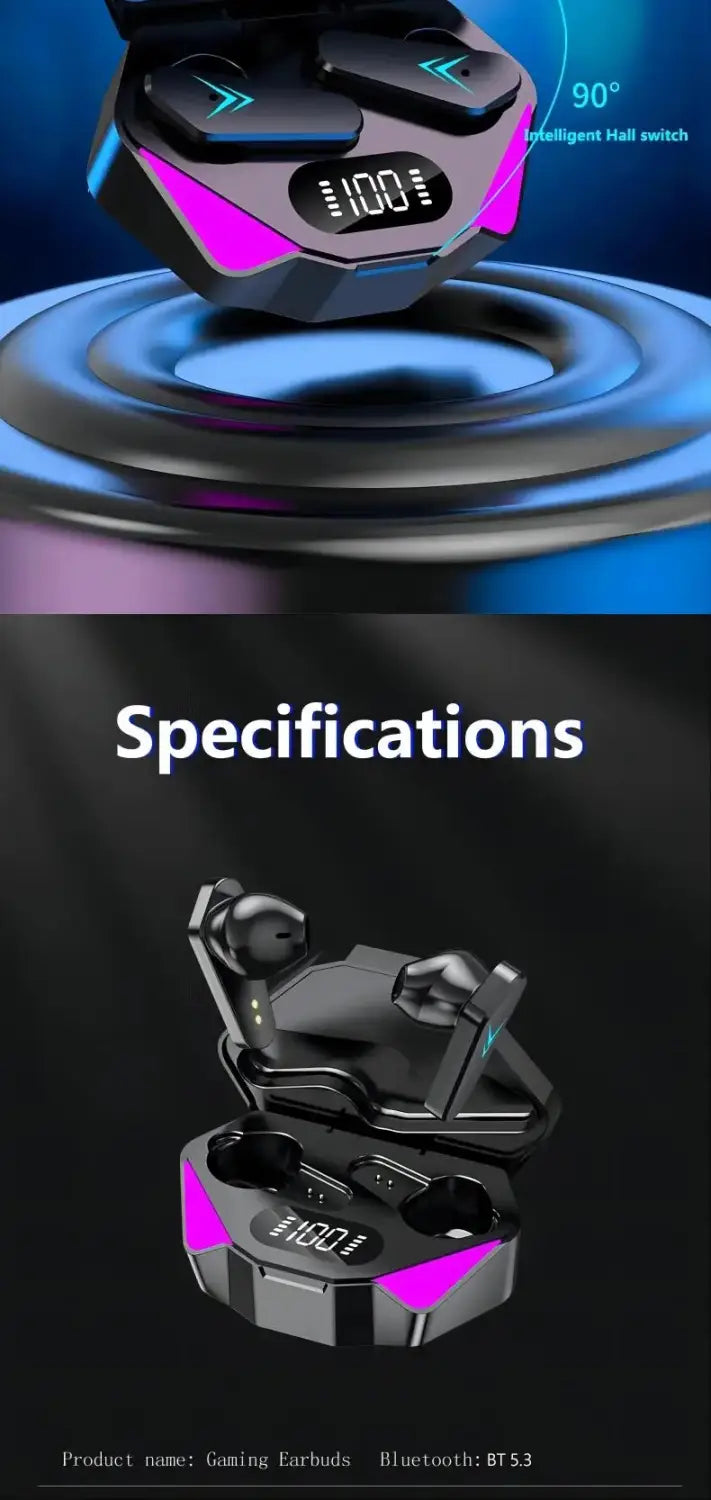
Remove the earphones from the charging case to power them on automatically; placing them back and closing the lid will turn them off. Once turned on, the earphones enter pairing mode, where one indicator goes out and the other flashes slowly—this is normal operation as explained in the manual.
Search for device "X15" on your smartphone to pair and begin use.
Important TWS Pairing Guide:
For first-time use, remove both earbuds simultaneously from the charging case to pair and connect to your mobile device. This ensures proper synchronization and prevents sound issues related to independent TWS functionality.
Troubleshooting No Sound Issues:
1. Access Bluetooth settings on your mobile device.
2. Locate and delete the "X15" earbud pairing history.
3. Remove both earbuds again from the case and re-pair with your device.
Notice:
* Images on this page are for illustration only; the actual product design may differ.
* All data on this page are sourced from laboratories; actual results may vary due to differences in software versions, environment, and device models.
* Channel availability may vary by market. Please ensure this product meets your local standards and regulations before purchase.