

Earphone Clip Wireless Bluetooth Headset with Noise Reduction
Pink
$53.98
Skip to product information


Earphone Clip Wireless Bluetooth Headset with Noise Reduction
$53.98
SPECIFICATIONS
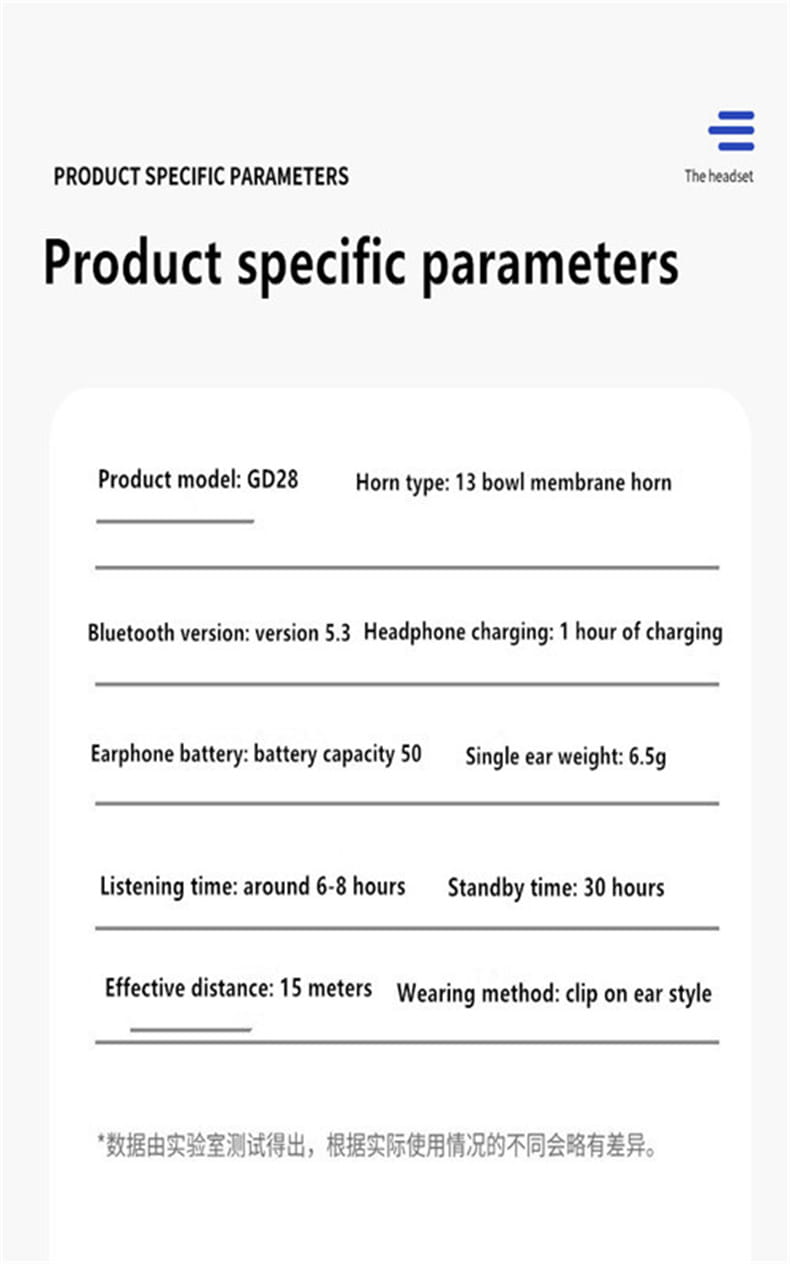
Battery Average Life: 100
Brand Name: STTKGZD
Choice: yes
Ear placement: Open ear
Headphone jack: USB
High-concerned chemical: none
Origin: Mainland China
Product Overview:
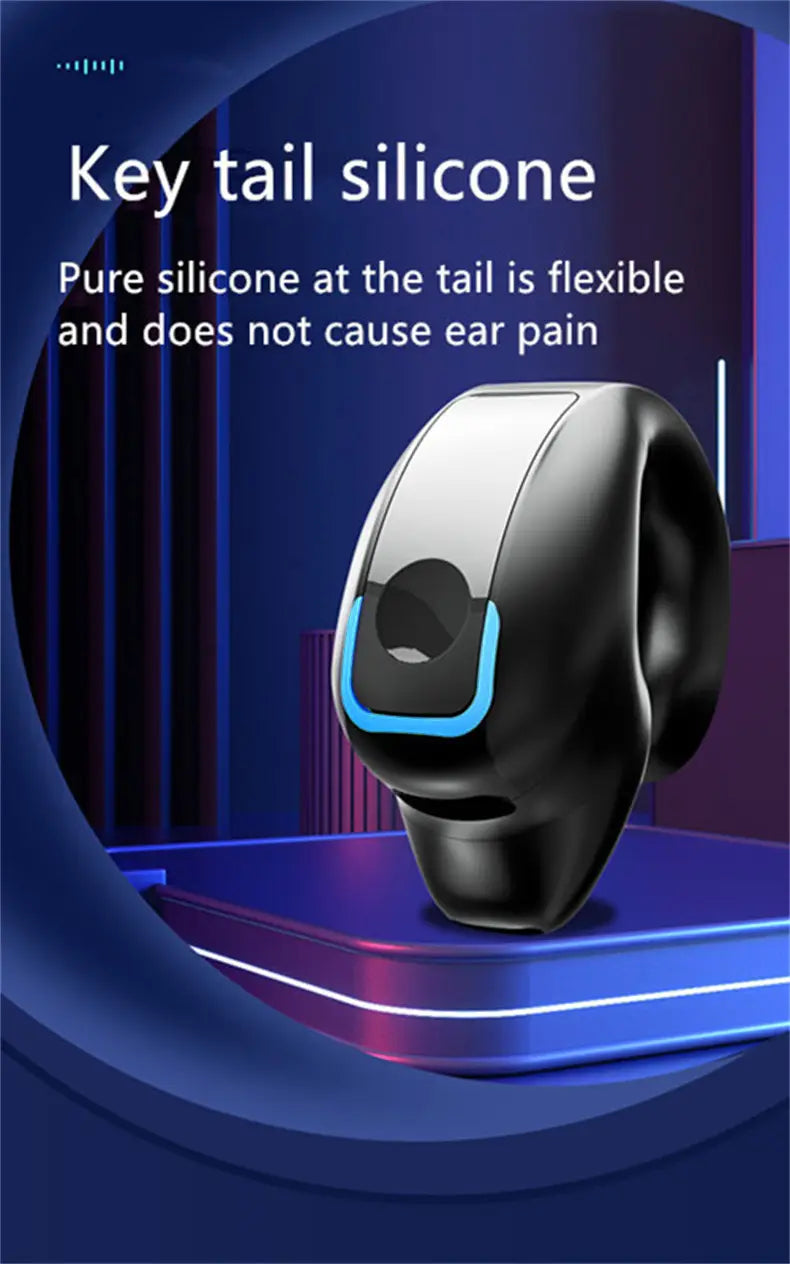
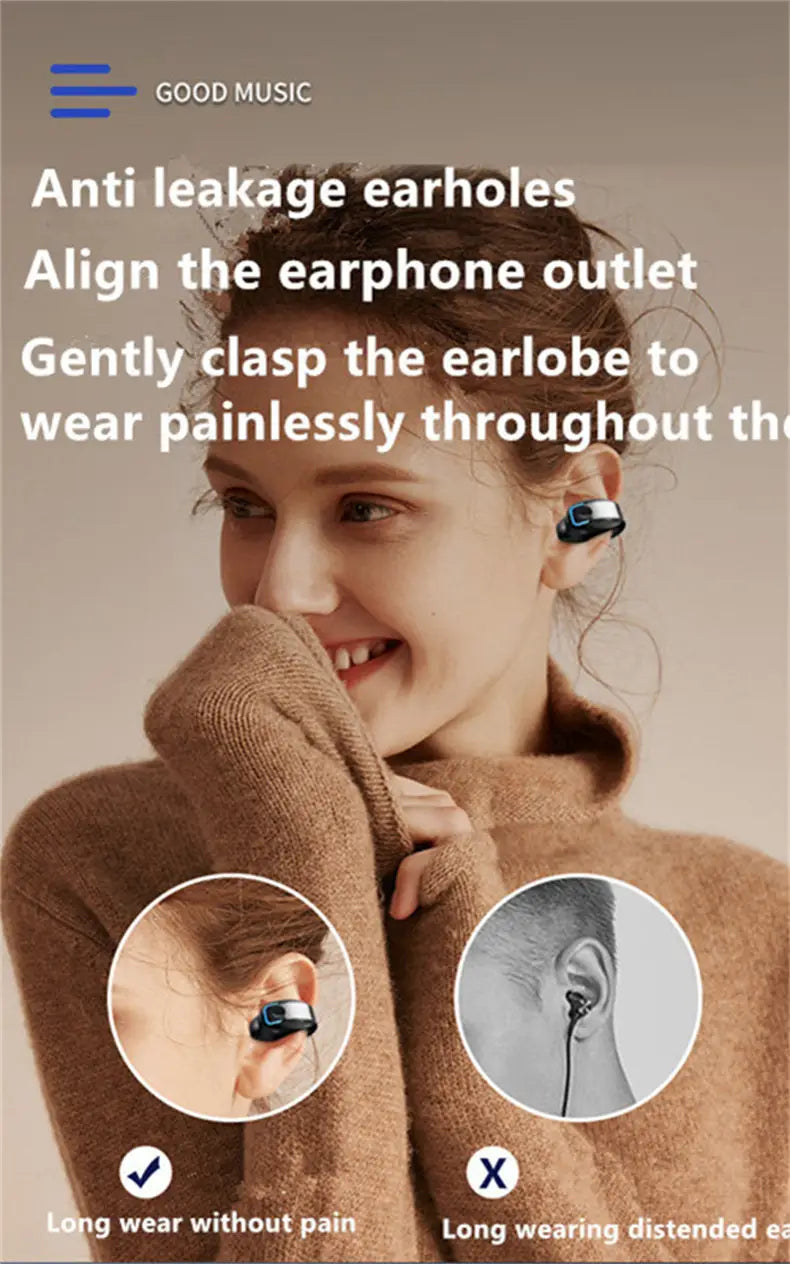
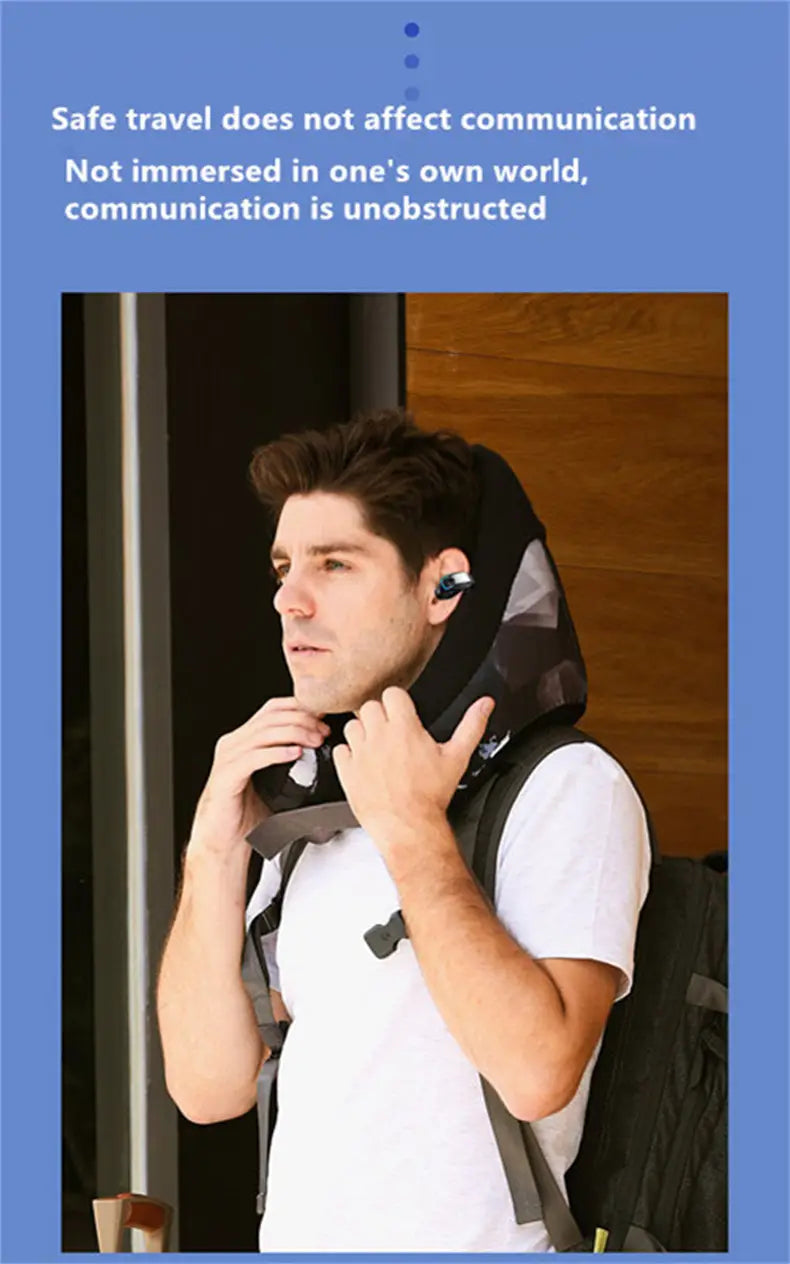
This open-ear wireless earphone from STTKGZD is designed for users who value comfort and awareness of their surroundings. Featuring a unique earphone clip that fixes securely onto the ear, it offers long-term wear without discomfort or damage to hearing. The open-ear design allows you to enjoy your audio while staying alert to ambient sounds, making it ideal for social environments and outdoor activities.
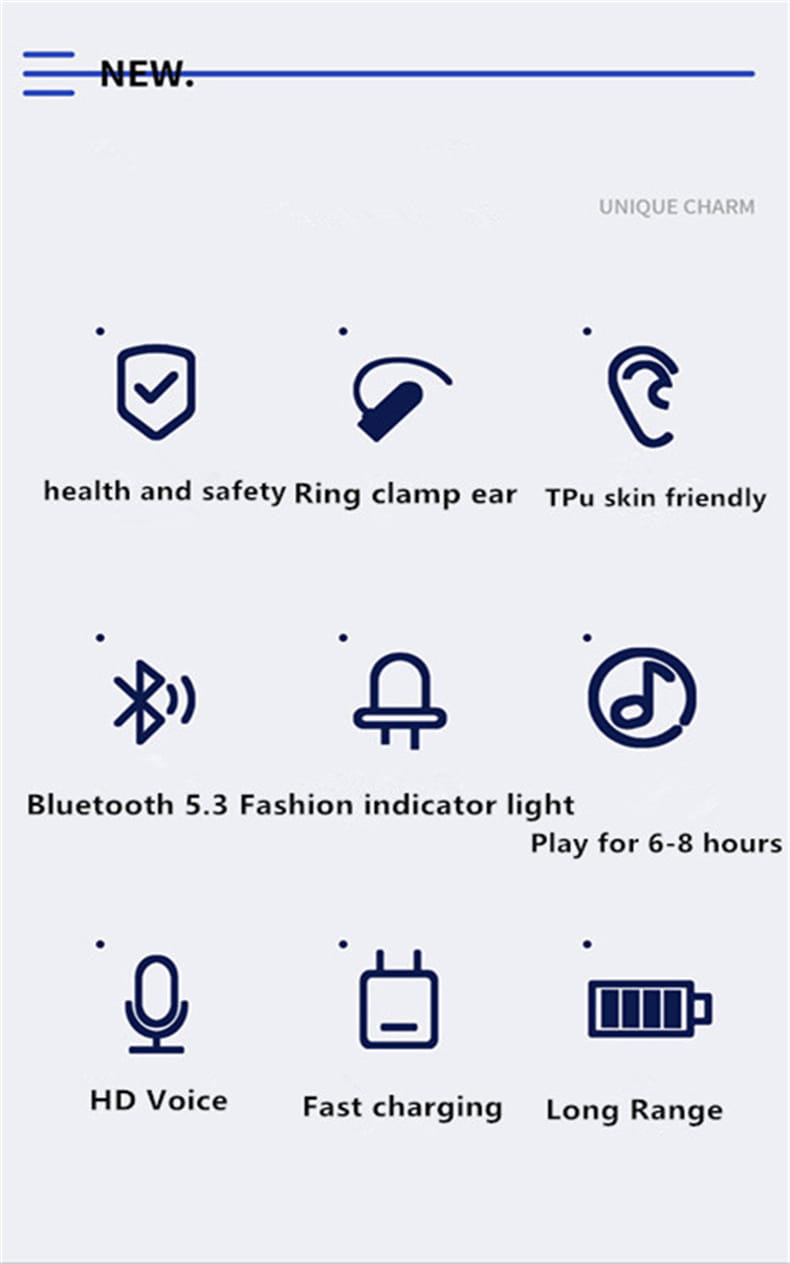
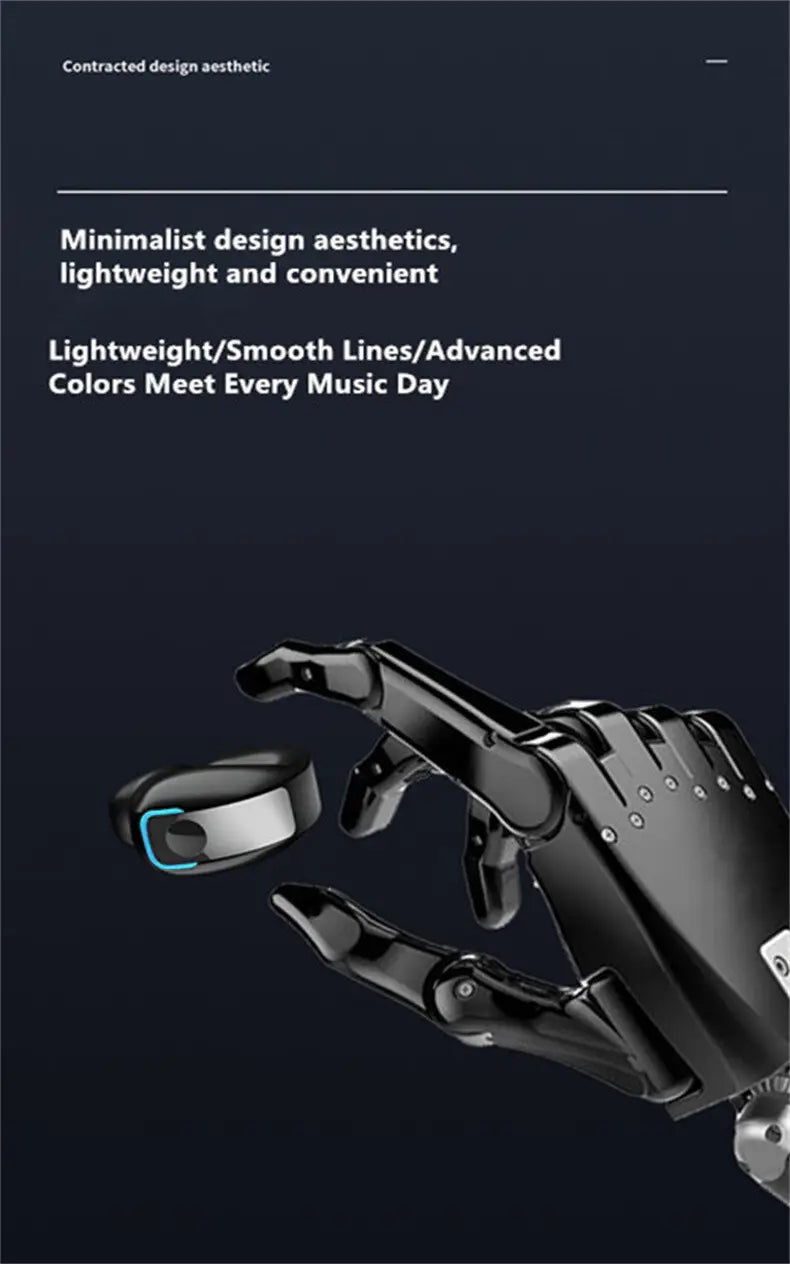
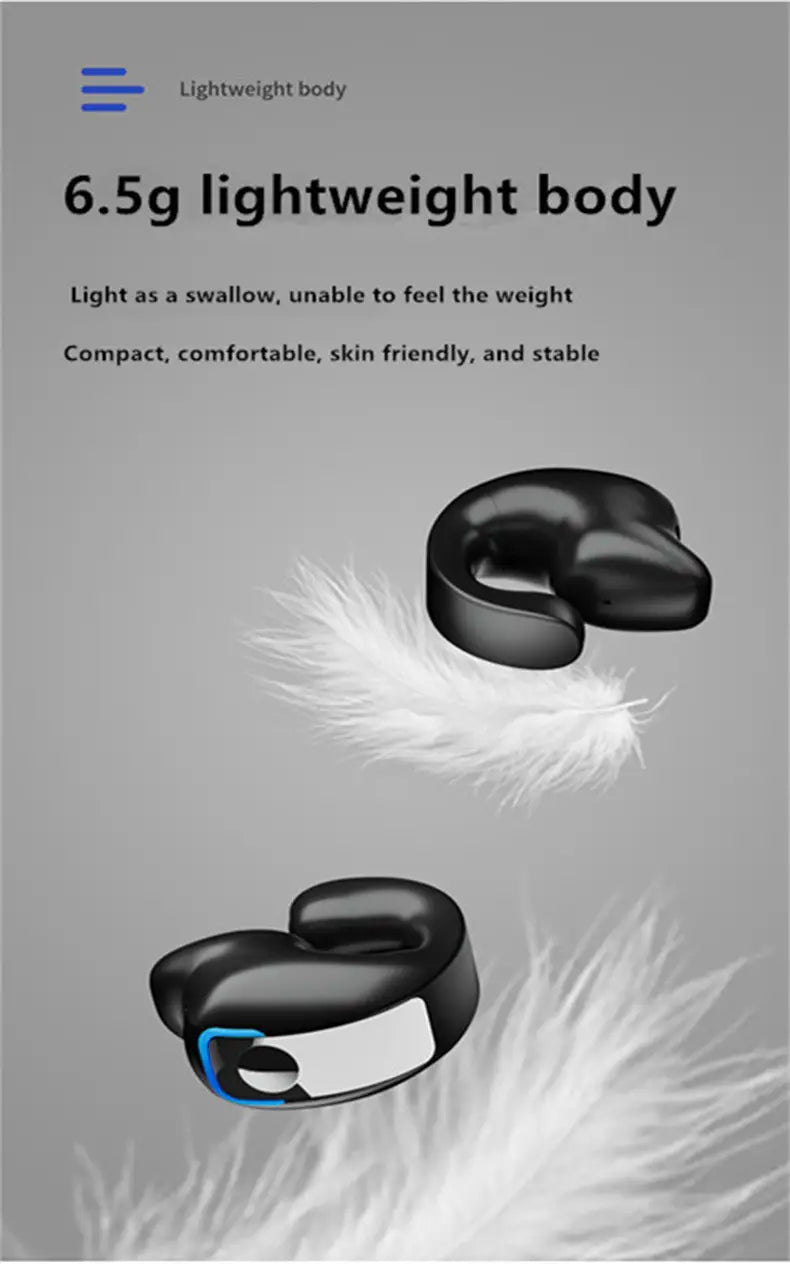
Equipped with BT5.3 technology, the earphones provide a stable, low latency connection for an enhanced listening experience, particularly when gaming or watching videos. Housed in lightweight units weighing only 6g each, these earphones distribute pressure evenly to prevent slipping during exercise.
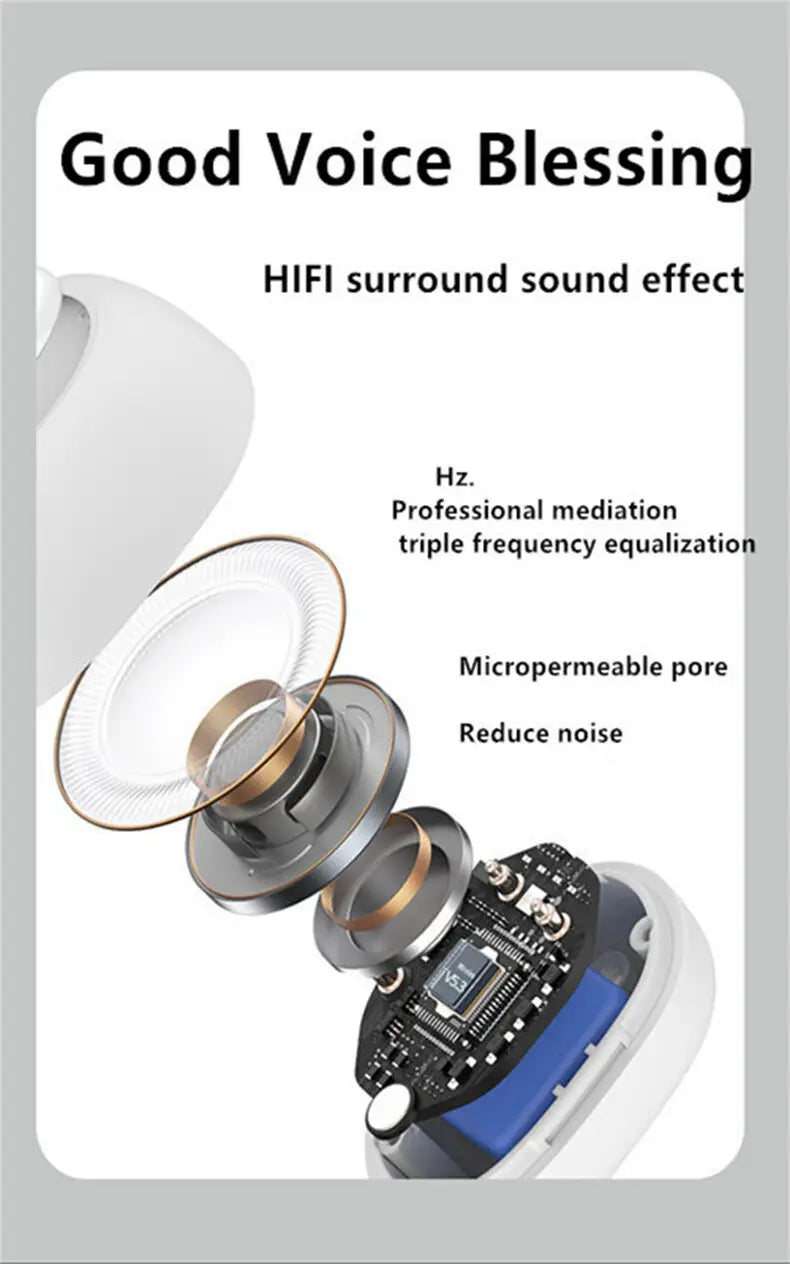
The high-quality driver delivers HD surround sound with balanced noise cancellation to minimize distractions. Enhanced by intelligent noise reduction technology, calls come through clearly even in noisy environments.
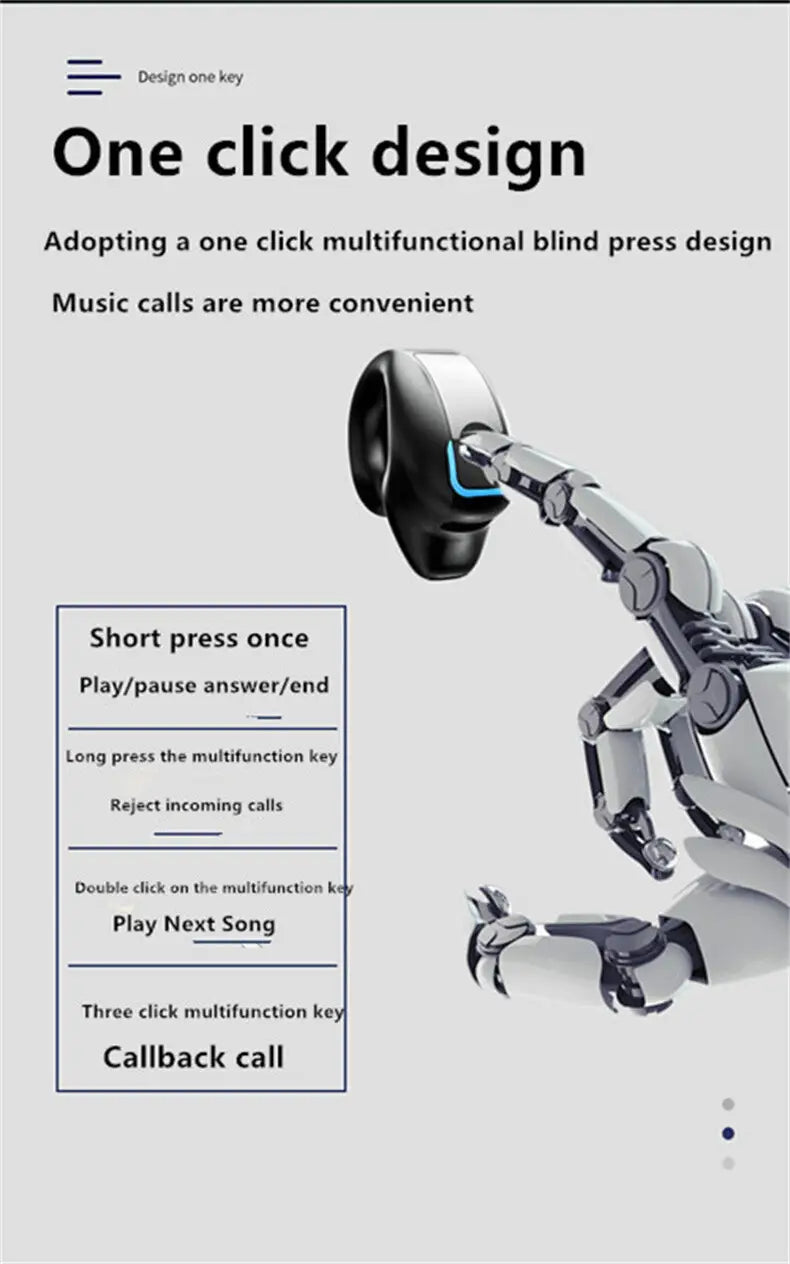
One-key operation simplifies managing music, calls, and voice assistant functions with just a touch.
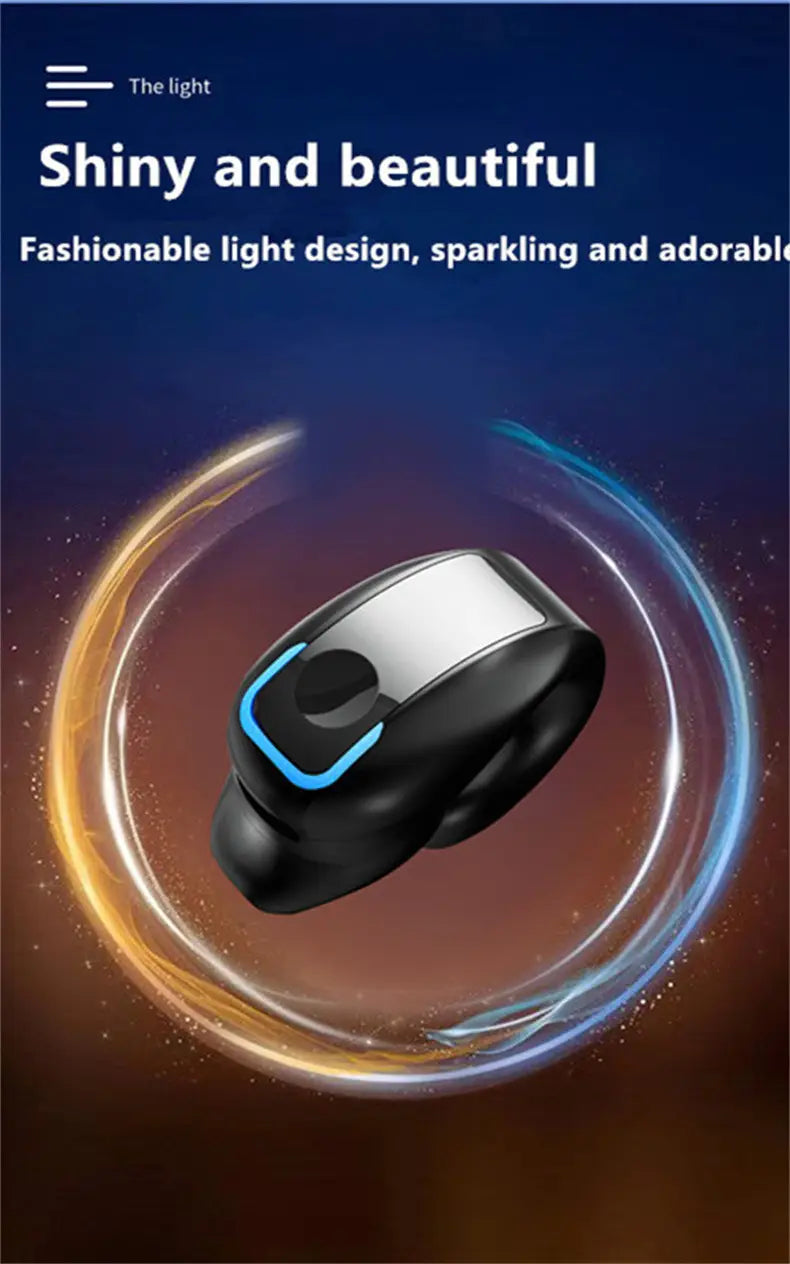
Note: This product is a single earphone, and the blue light indicator only activates when powered on.
Key Features:
- Earphone clip on ear design ensures secure, comfortable wear for extended periods without pain.
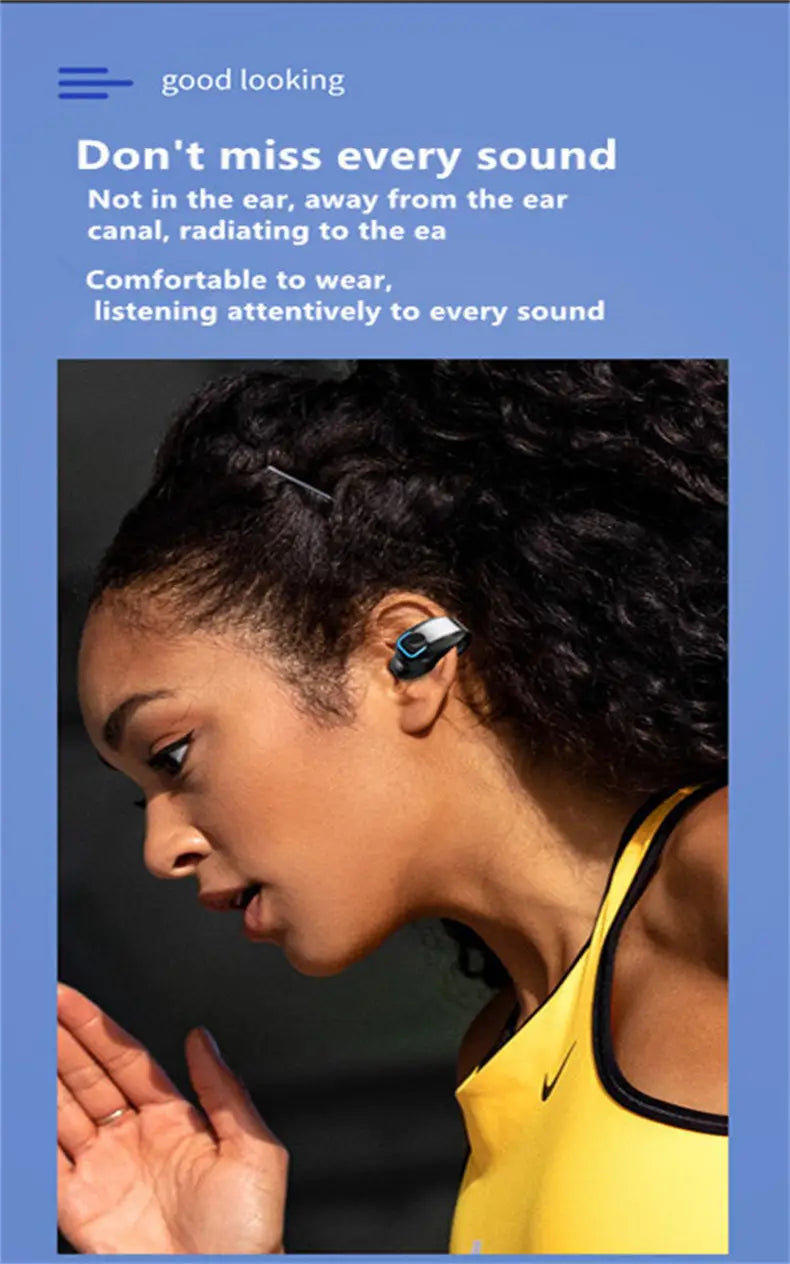
- Open-ear experience enables awareness of surroundings while enjoying audio content.
- Low latency Bluetooth 5.3 connection for smooth, uninterrupted playback.
- Lightweight construction reduces ear pressure and prevents falling off during activities.
- High-quality sound driver delivers 9D stereo with effective noise reduction for immersive listening.
- Deep noise reduction optimizes call clarity with intelligent voice noise cancellation.
- One-key touch control supports easy switching between songs, calls, and voice assistants.

Note:
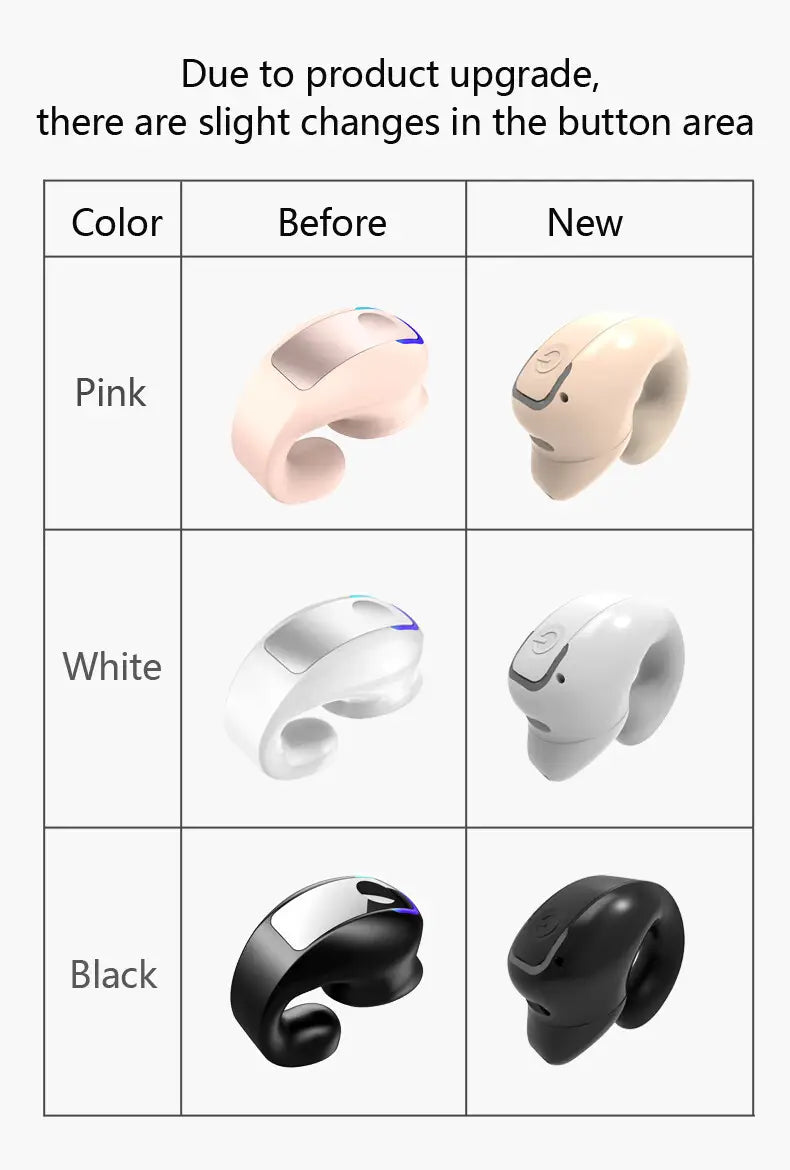
1: This product is a single earphone, not a dual earphone.
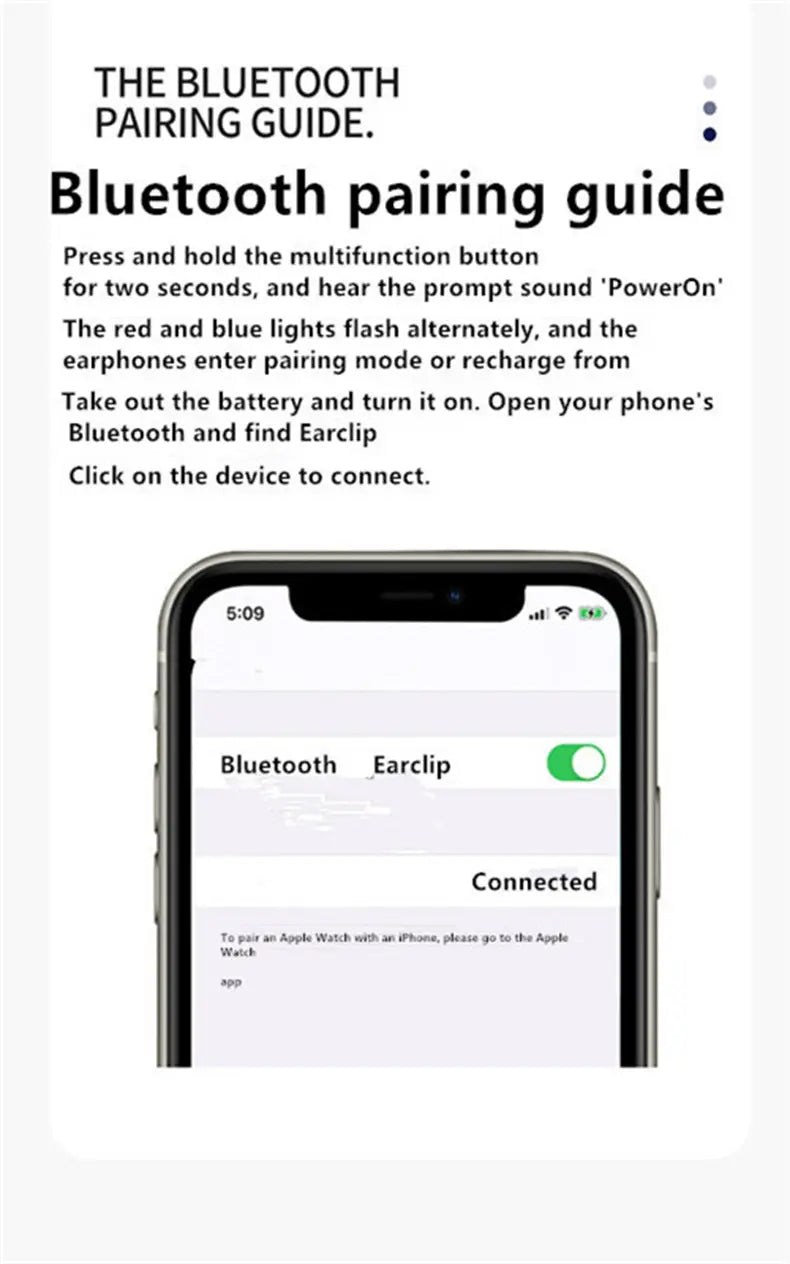
2: To avoid accidental activation, long press the power button for about 3 seconds to turn the earphone on.
3: When pairing for the first time, enable your phone’s Bluetooth and search for "GD28". Select the device and wait 5-10 seconds for the pairing prompt, then confirm the connection.